
Sites
A site is a target Yerd serves on the .test TLD. Each one has a name, a document root, a served web root (auto-detected per framework), a PHP version, and an HTTPS flag. The daemon keeps a registry and resolves every request's Host: header to exactly one site.
You register sites two ways:
- Parking points Yerd at a parent directory, and every child folder becomes a site (
<folder>.test). Good for a~/Sitesworkspace you add to often. - Linking registers one directory under a name you choose. Good for a project outside your parked workspace, or when the site name shouldn't match the folder name.
Both route identically; only the registration differs.
In the desktop app
The Sites page (under Environment in the sidebar) is the home base for managing your sites. It lists every .test site as a scannable card you can act on, with the registration controls in the header. Most day-to-day site work happens here without touching the terminal.
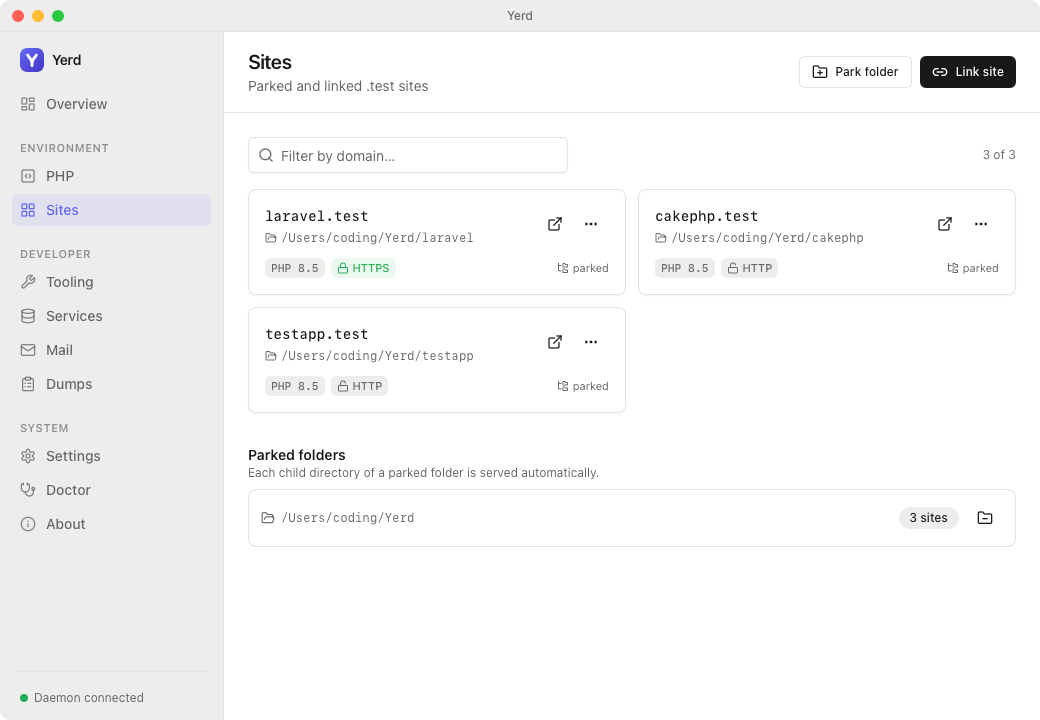
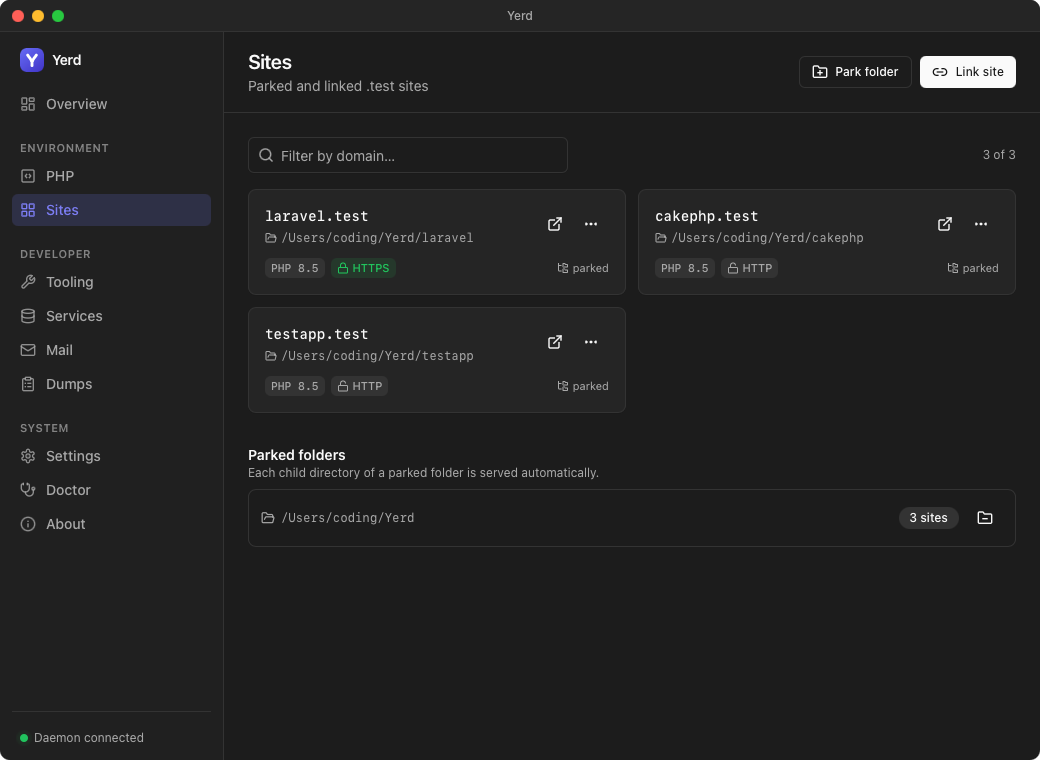
- Each card is a site you can click to open in your browser (at its primary domain), with badges for
parked/linked, PHP version, HTTPS/HTTP, a+Nbadge when the site has extra domains, and an amber notice if another site has claimed its apex. - A card's Edit… dialog (from its
⋯menu) covers PHP version, web root, HTTPS, and group in one place - no commands. The same⋯menu has Manage domains… for setting the primary domain and adding/removing aliases and wildcards. - Park folder and Link site in the header register new sites: Park folder opens a directory picker, Link site opens a modal to name a single directory.
- A separate Parked folders section lists each parked root with a count of the sites it produces, plus Reveal folder and Un-park.
For the full tour of the app, see Features.
Site groups
Sites can be organised into named groups - a GUI-only, cosmetic layer for scanning a large site list (client work, personal projects, whatever grouping makes sense to you). Groups don't affect routing, PHP, or HTTPS; the CLI has no concept of them.
- Create a group from the header's ⋯ menu → New group…. The page still shows the classic flat grid until at least one group exists; once it does, sites render as collapsible group sections instead.
- Assign a site to a group from its Edit… dialog: a Group field lists the groups you've created plus No group. A site only shows up in a group once you've set this.
- Reorder groups with the up/down arrows next to a group's name (shown on hover).
- Rename or delete a group from the pencil icon next to it, which opens one Edit group dialog: change the name and Save, or click Delete group for a second confirmation step naming the group. Deleting a group doesn't remove its sites - they fall back to Unallocated.
- Each group is a collapsible section with a site count badge; collapsed/expanded state is remembered per group.
- Sites with no group assigned - or whose assigned group was deleted - appear in a synthetic Unallocated section at the end, with no management controls of its own.
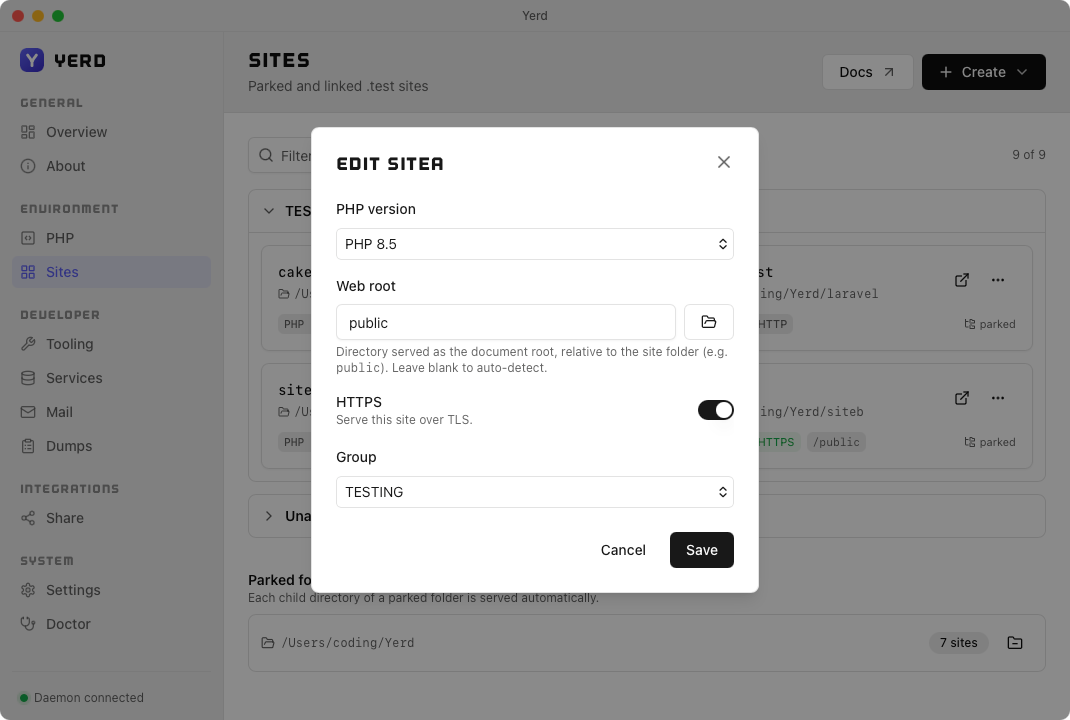
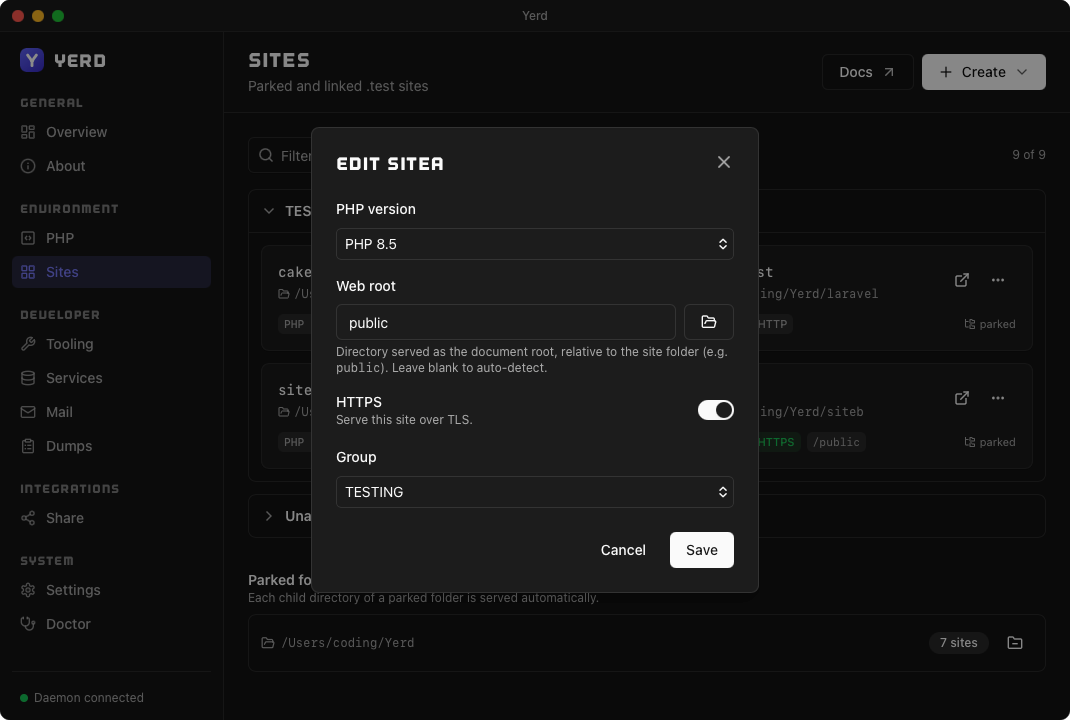
Group names are unique case-insensitively (like site names) and can't be Unallocated, which is reserved for the synthetic bucket.
Create a new Laravel site
Beyond registering folders you already have, the app can scaffold a brand-new Laravel project for you. Open the Create menu in the Sites header and choose New Laravel site to launch a short, four-step wizard - Basics → Stack → Testing → Review - that runs laravel new under the PHP version you pick and registers the result as a .test site automatically.
Prerequisites
Creating a Laravel site needs a PHP version, Composer, and the Laravel installer. If any are missing, the wizard offers to install them first; it can also use ones you already have installed externally (e.g. a global Composer). Starter kits that need Node or Bun pull the runtime in during the build.
Basics
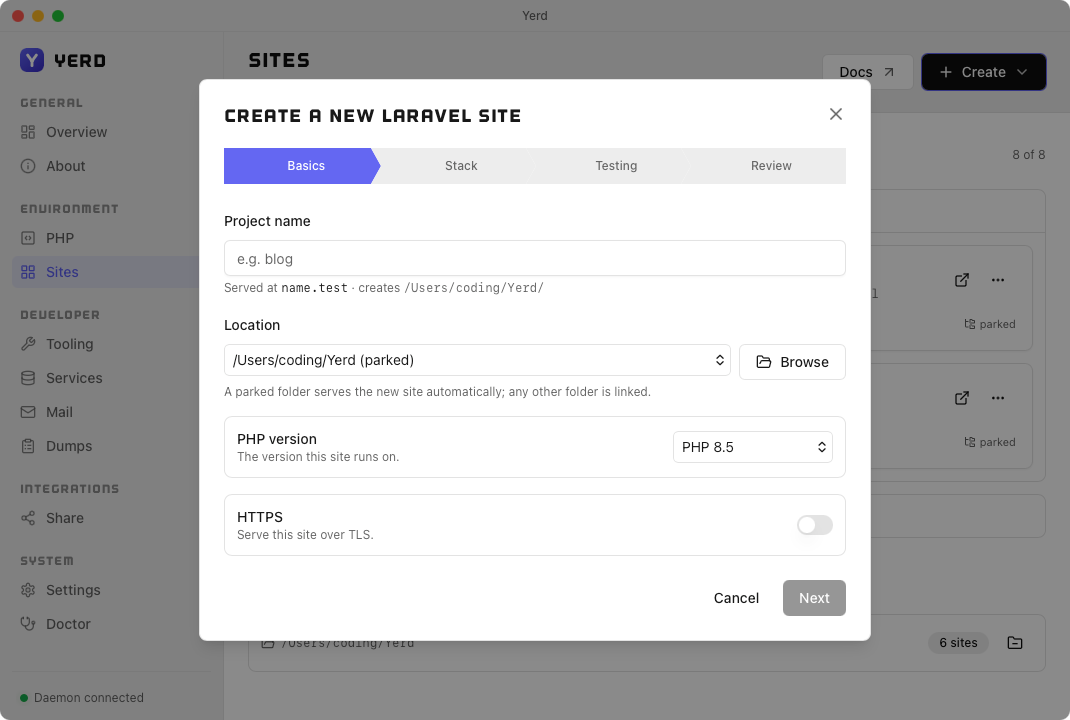
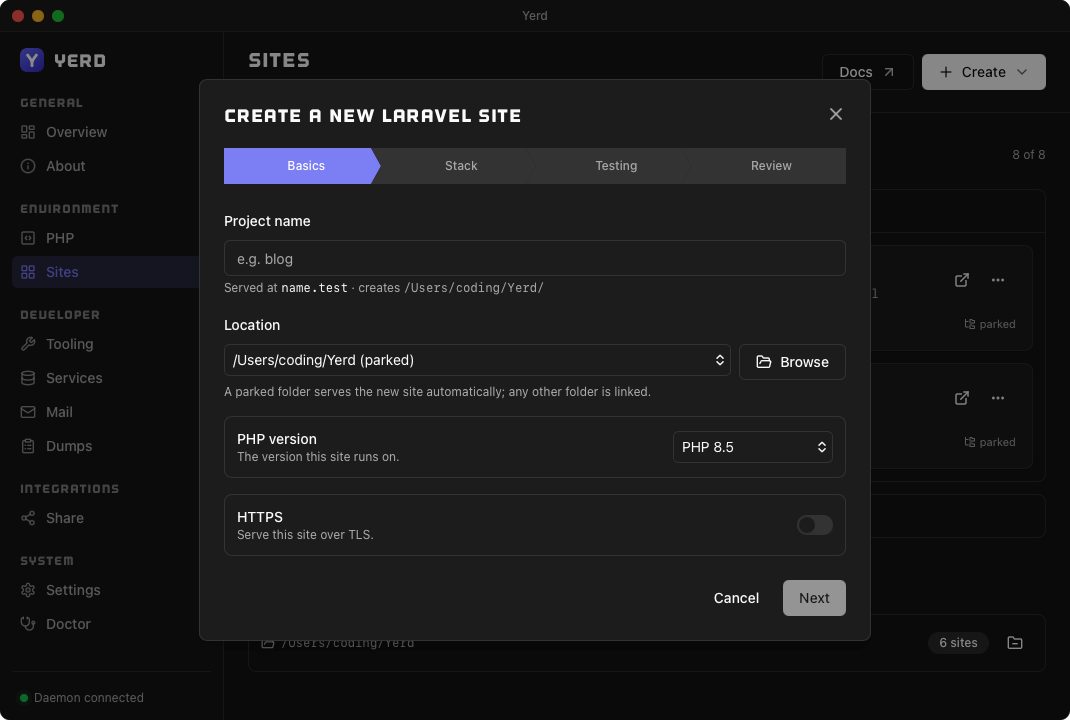
- Project name - the site is served at
<name>.test. - Location - pick the parent folder. If it's a parked root the new site is served automatically; any other folder is linked under the project name.
- PHP version - the version the site (and the installer) runs on.
- HTTPS - serve it over TLS from day one (you can toggle this later too).
Stack
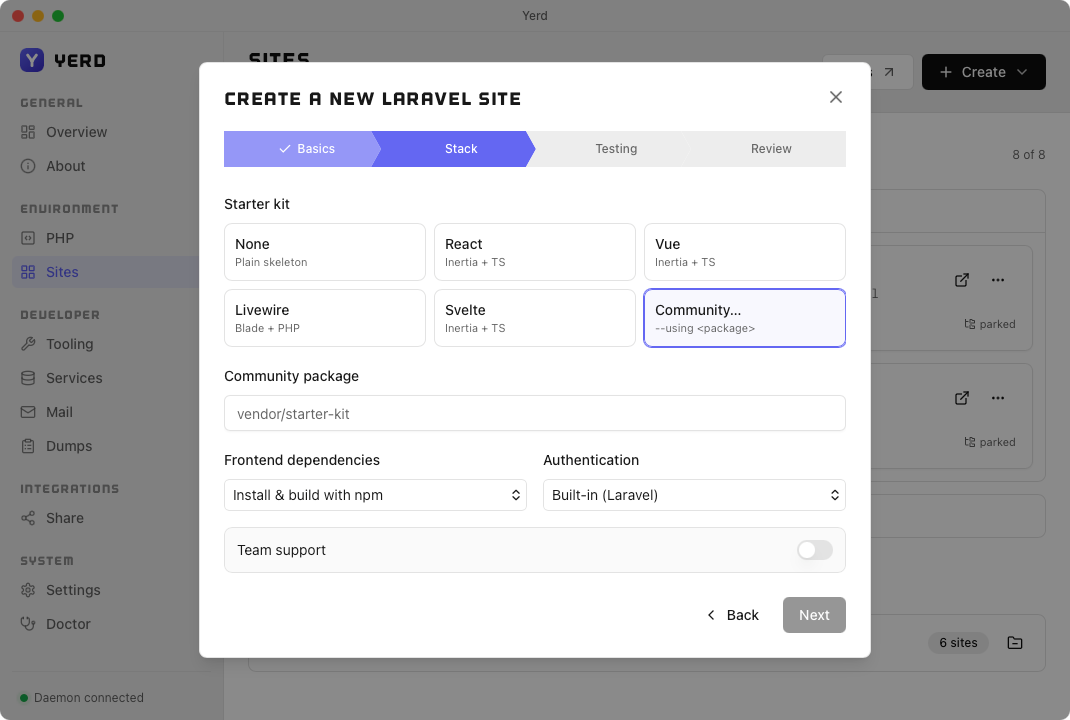
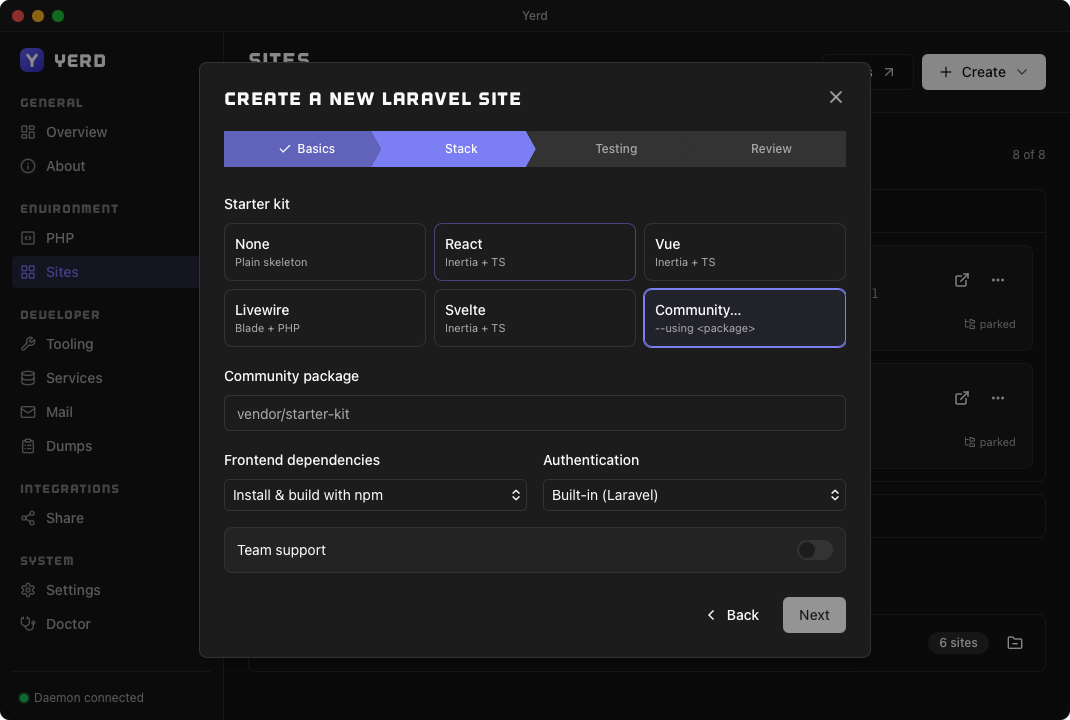
Choose a starter kit: None (a plain skeleton, no auth scaffolding), the official React, Vue, or Svelte kits (Inertia + TypeScript), Livewire (Blade + PHP), or Community… to scaffold from any --using <package>.
Testing
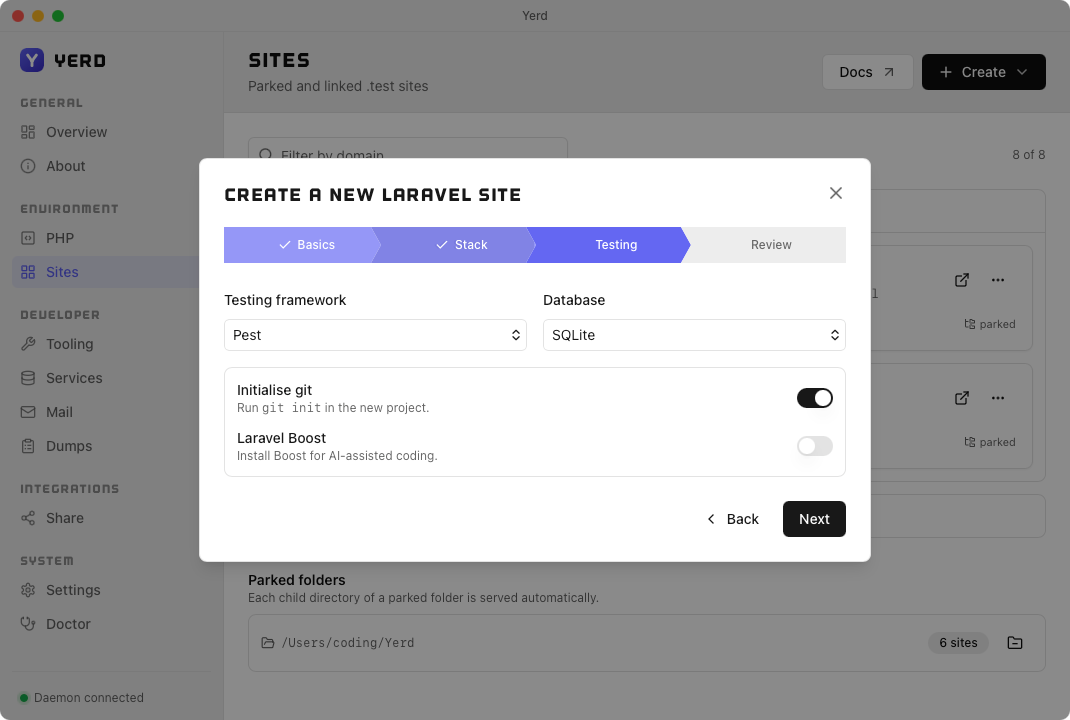
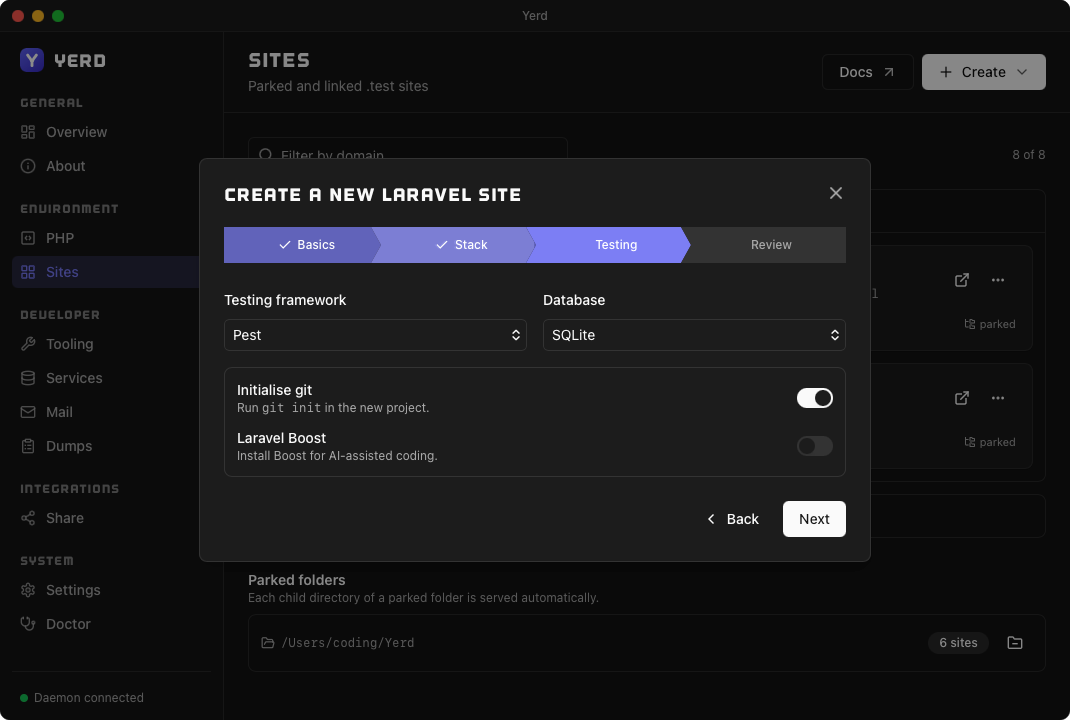
- Testing framework - Pest or PHPUnit.
- Database - SQLite, MySQL, MariaDB, PostgreSQL, or SQL Server.
- Initialise git - run
git initin the new project. - Laravel Boost - install Boost for AI-assisted coding.
Review
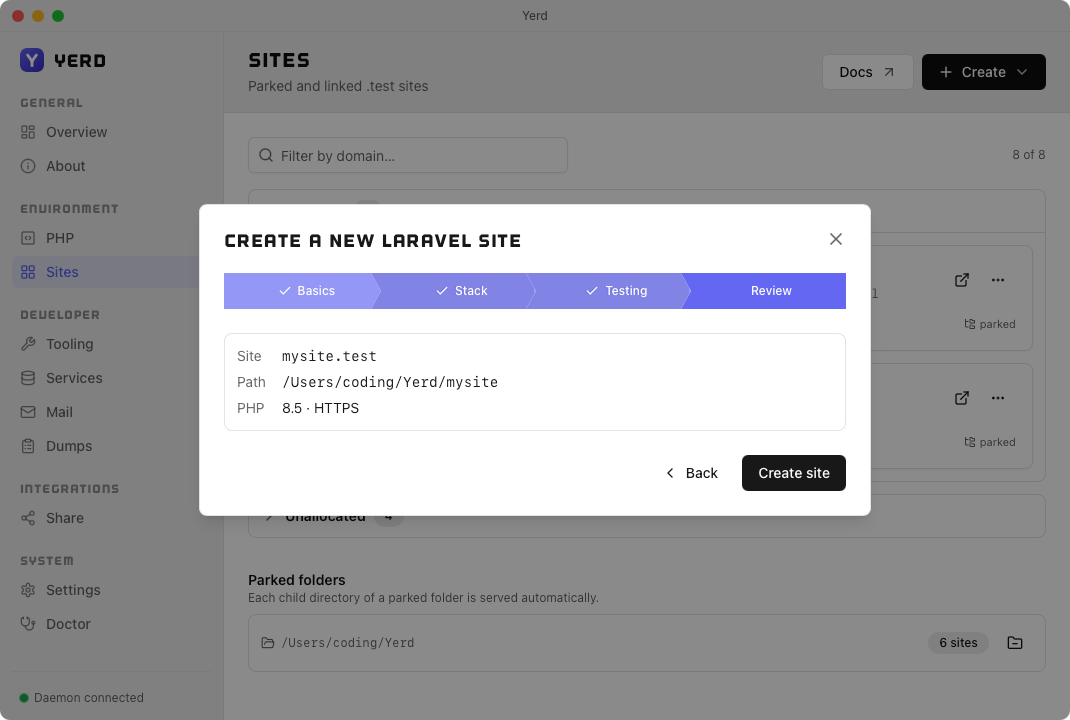
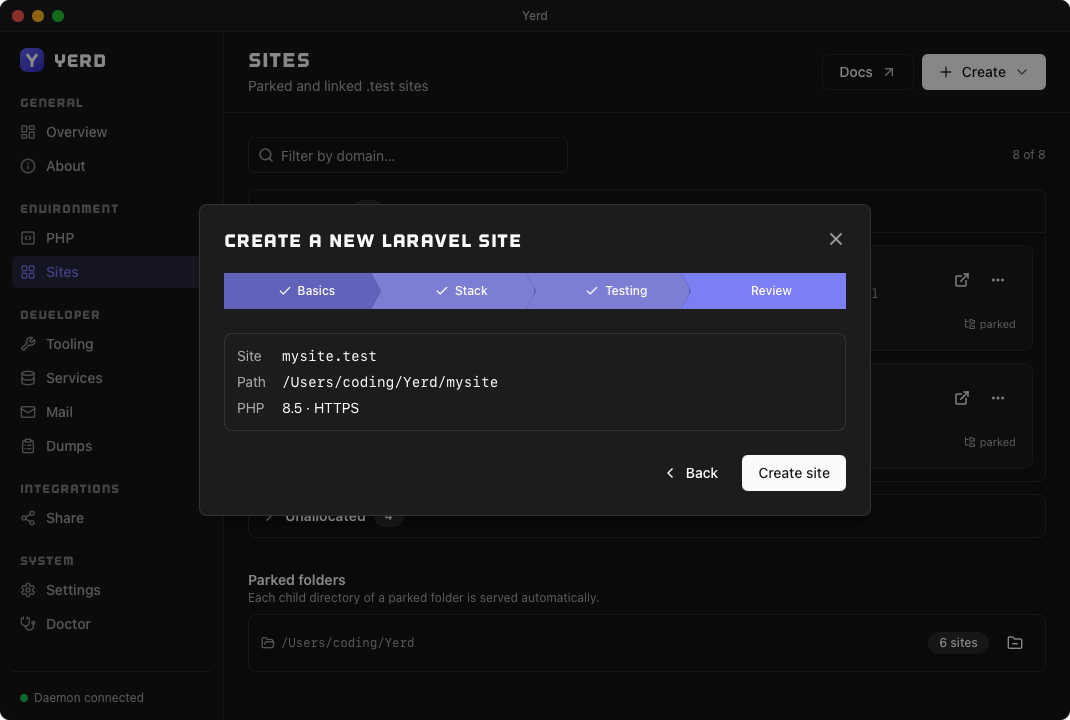
A final summary of your choices - site name, path, PHP version, and HTTPS. Click Create and the dialog switches to a live progress view (Preflight → Scaffolding → Registering → Done) streaming the installer's output, so you can watch the scaffold and dependency install happen.
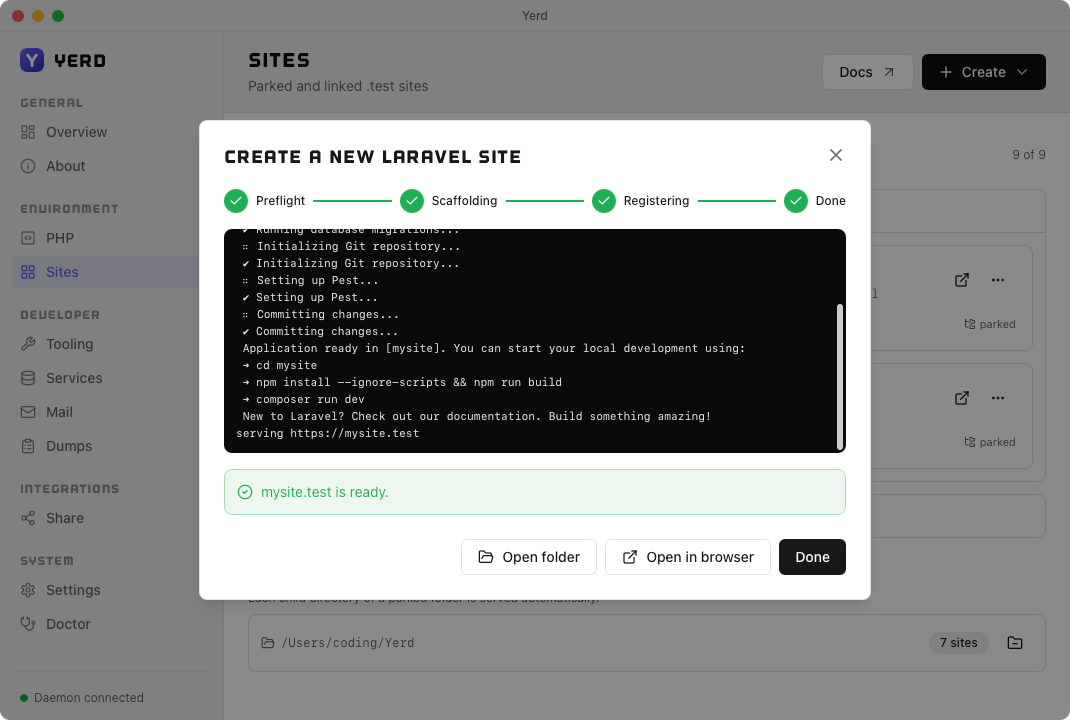
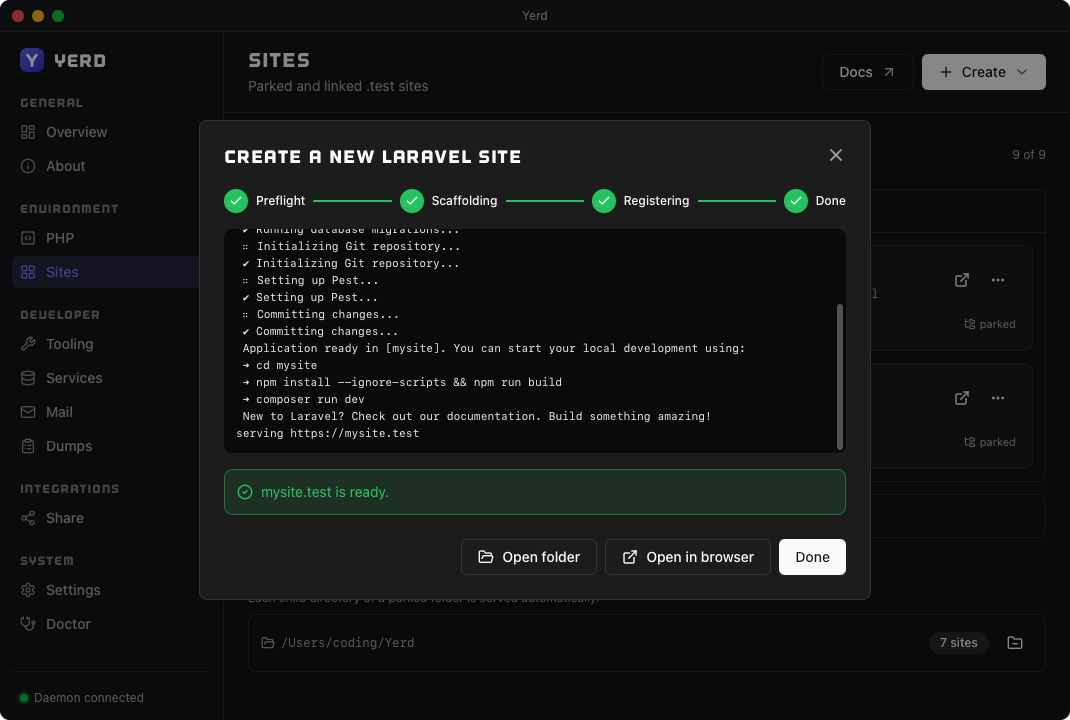
When it finishes, the project is on disk, registered (parked or linked), served at <name>.test, and ready to open in your browser or reveal in your file manager - no extra steps.
Create a new WordPress site
The same Create menu can scaffold a brand-new WordPress install for you. Choose New WordPress site to launch a four-step wizard - Basics → WordPress → Database → Review - that provisions a database, runs WP-CLI's core download/config create/core install, sets pretty permalinks, and registers the result as a .test site automatically.
Prerequisites
Creating a WordPress site needs a PHP version and WP-CLI, and the wizard offers to install whatever's missing. WP-CLI must be Yerd's own build - Yerd runs it directly rather than through a wp on your PATH, so an externally installed wp doesn't count and your own copy is left alone. Yerd's Composer builds WP-CLI, so it's offered as a prerequisite too when WP-CLI still needs installing - see Tooling.
Basics
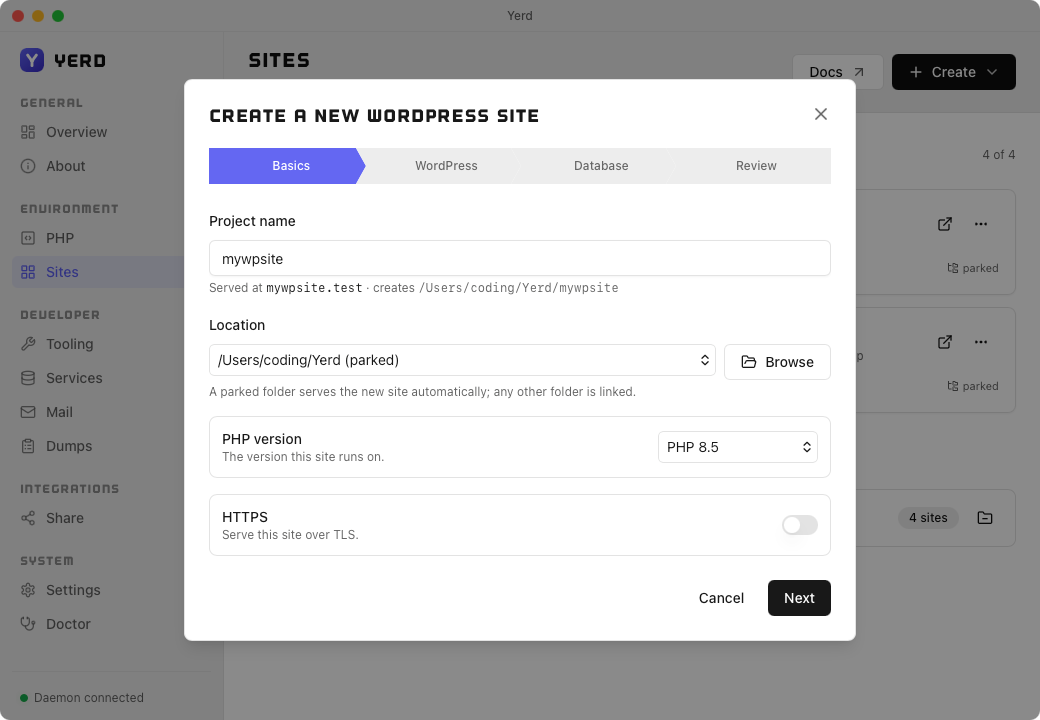
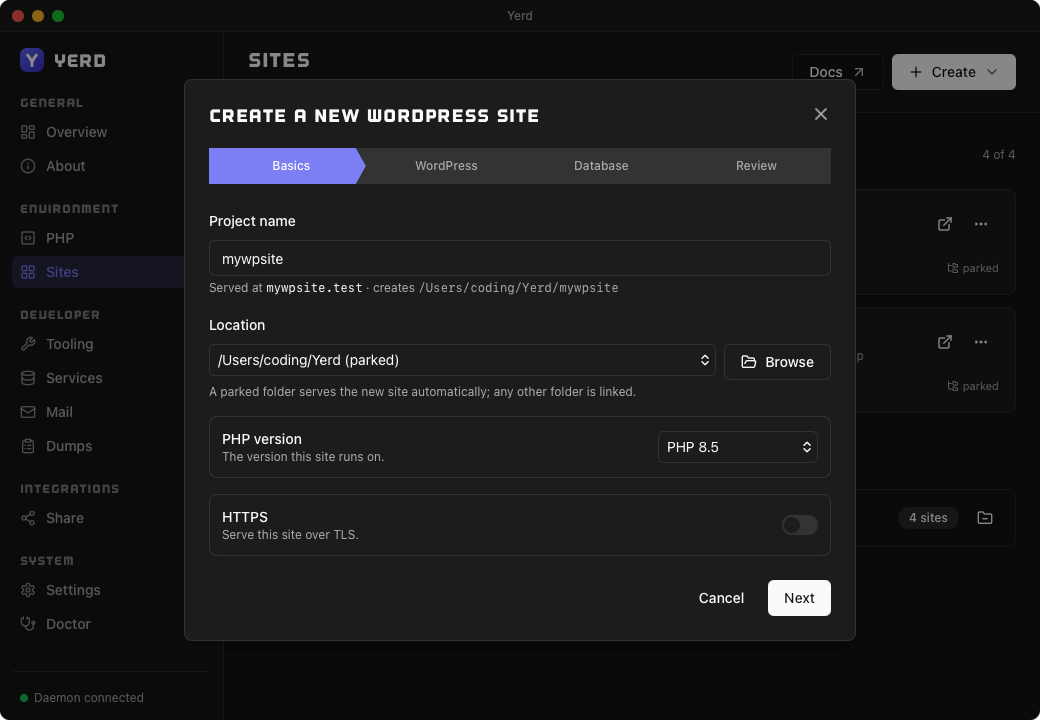
- Project name - the site is served at
<name>.test. - Location - pick the parent folder. If it's a parked root the new site is served automatically; any other folder is linked under the project name.
- PHP version - the version the site (and WP-CLI) runs on.
- HTTPS - serve it over TLS from day one (you can toggle this later too).
WordPress
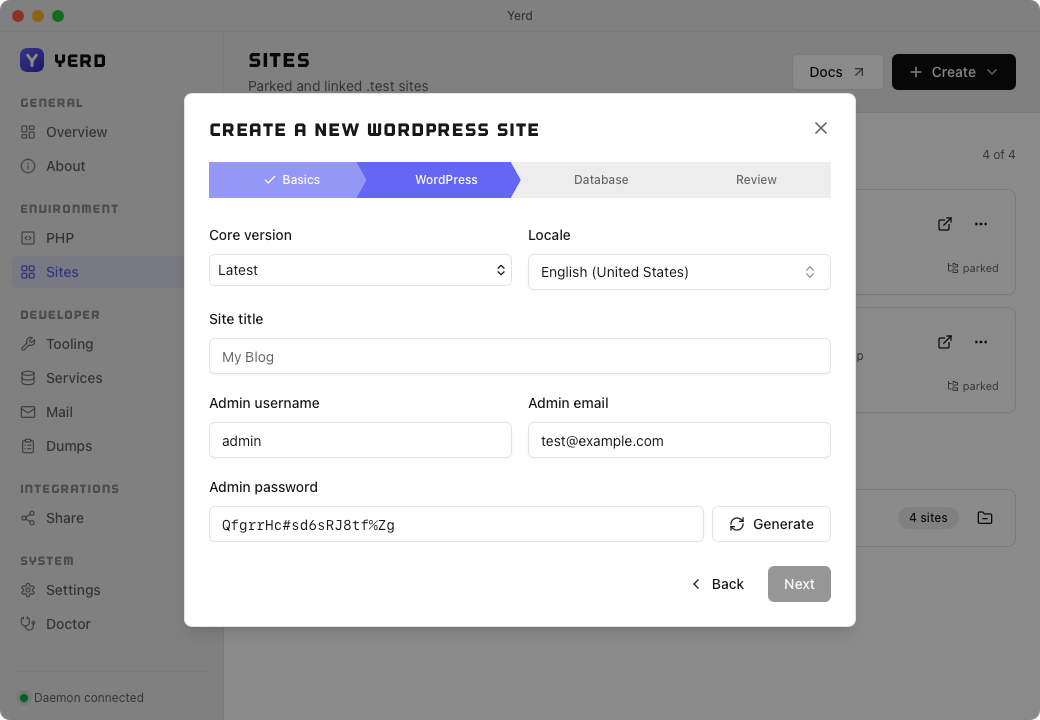
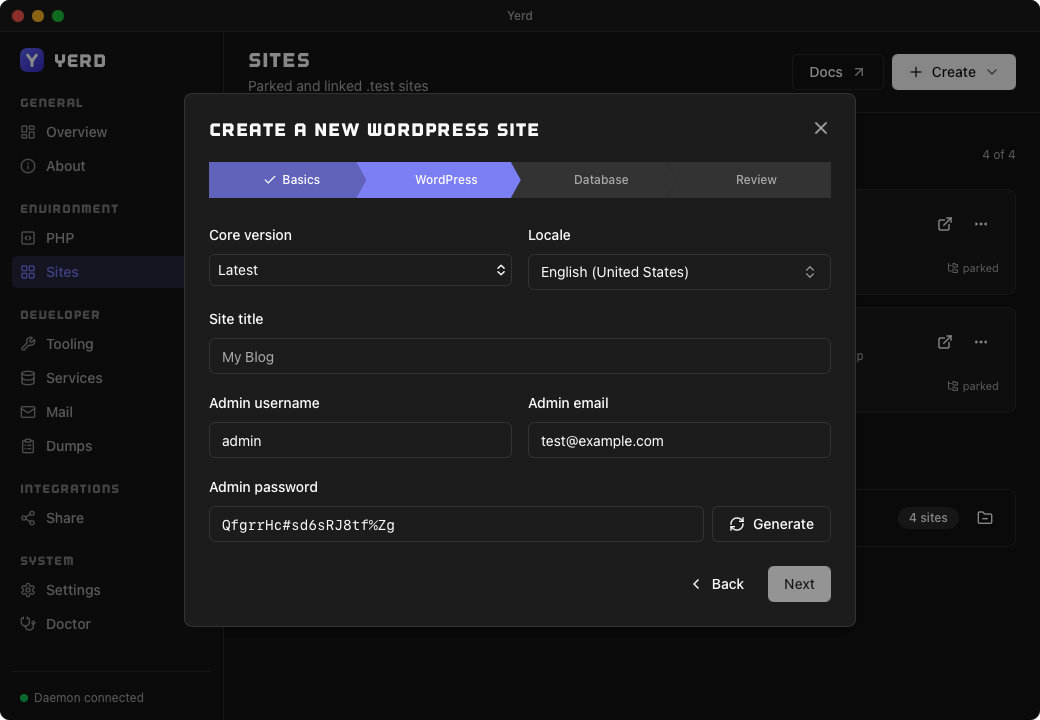
- Core version - a specific WordPress release, or Latest.
- Locale - the install language (e.g.
en_US,en_GB). - Site title - WordPress's own site name, set at install time.
- Admin username / email / password - the first administrator account. Generate fills in a random password; the daemon re-validates all three server-side regardless of what the wizard sent.
Database
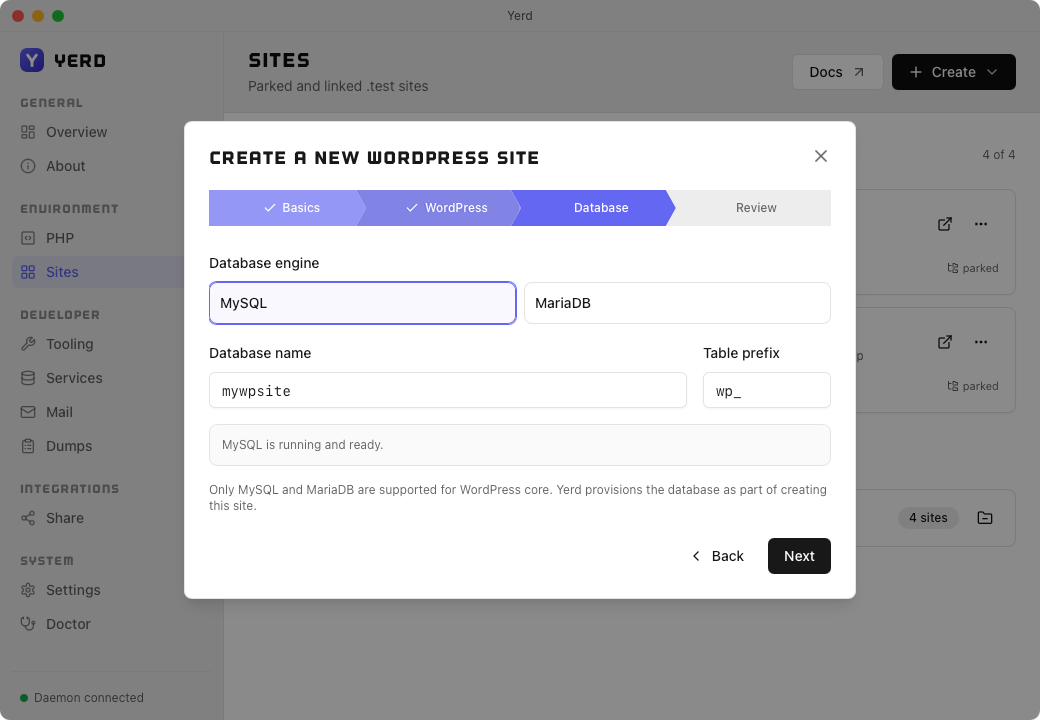
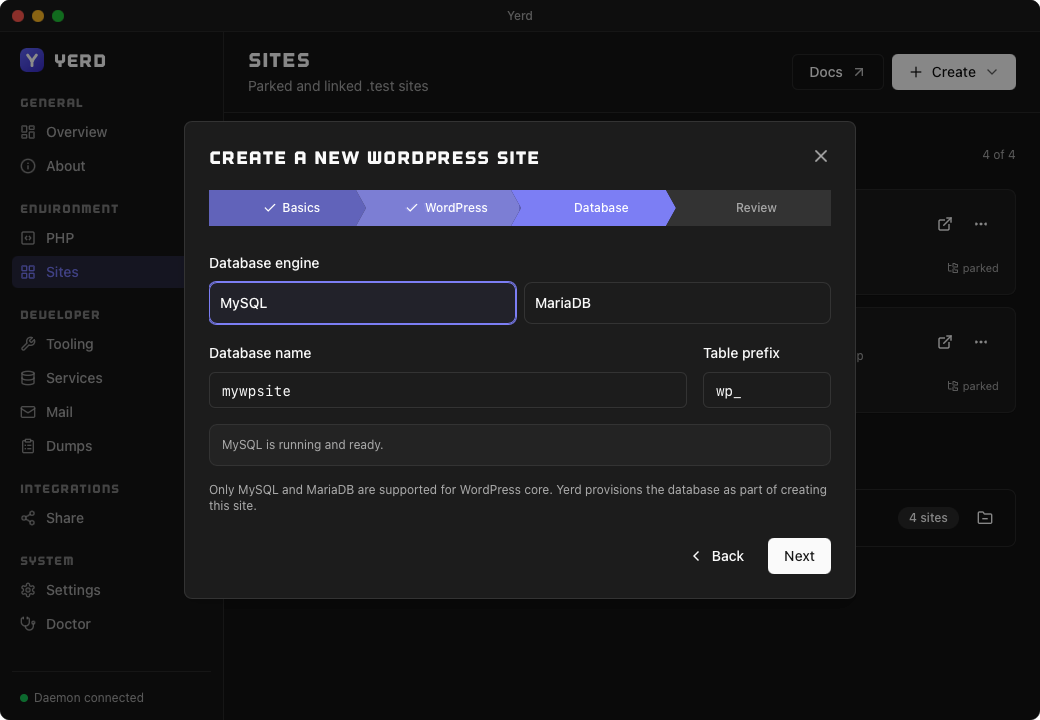
- Database engine - MySQL or MariaDB (the only two WordPress core itself supports).
- Database name and table prefix - defaults are derived from the project name; both can be edited.
Yerd provisions the database as part of creating the site, installing/starting the chosen engine first if it isn't already running - see Services & Databases.
Review
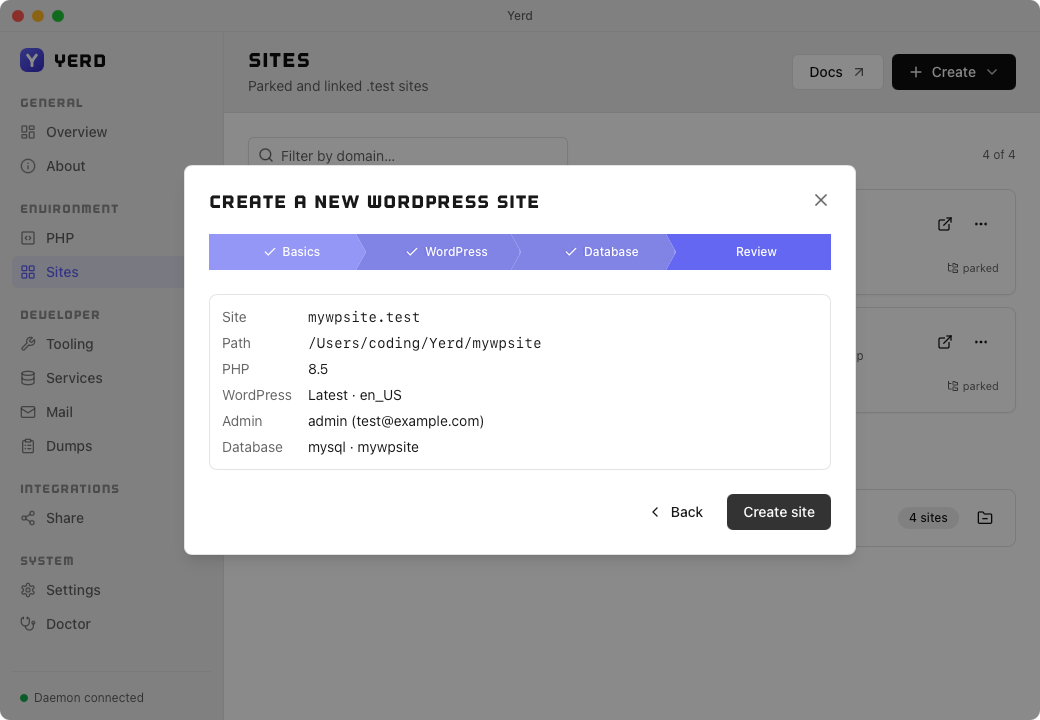
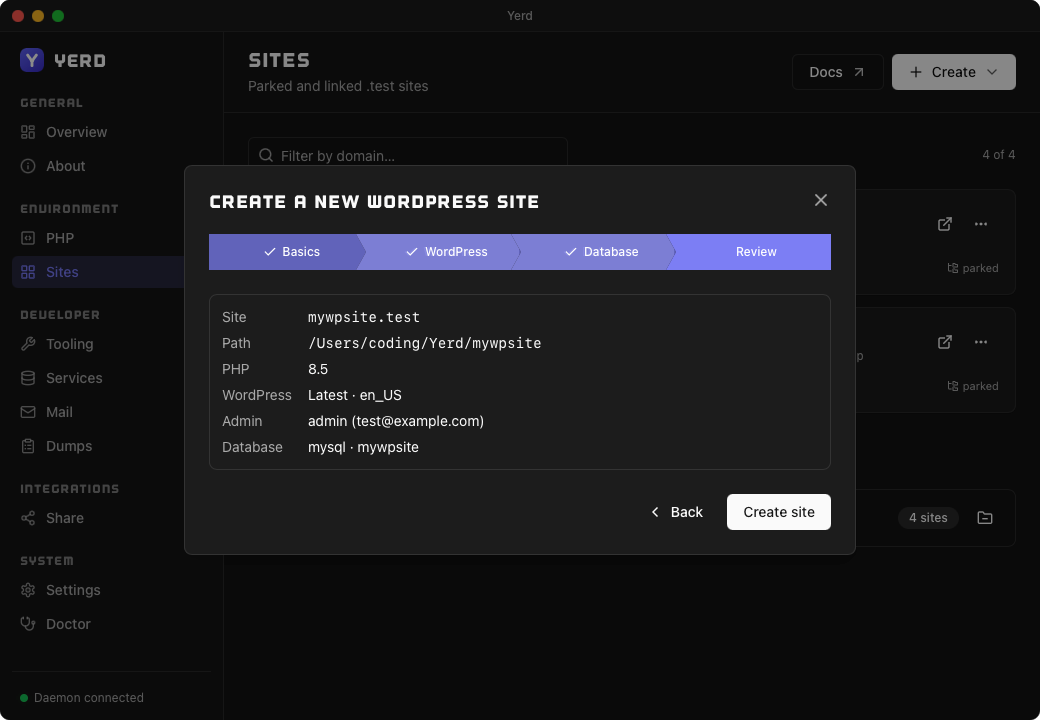
A final summary of your choices. Click Create and the dialog switches to a live progress view streaming each phase - Preflight → Provisioning database → Downloading WordPress → Configuring → Installing → Registering → Done.
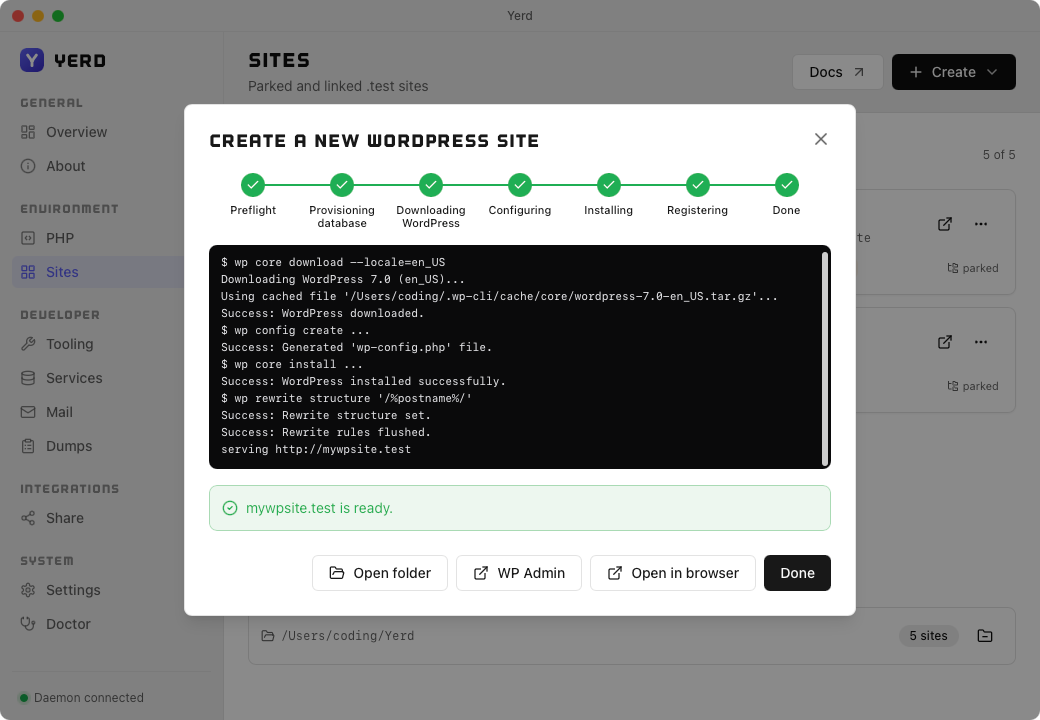
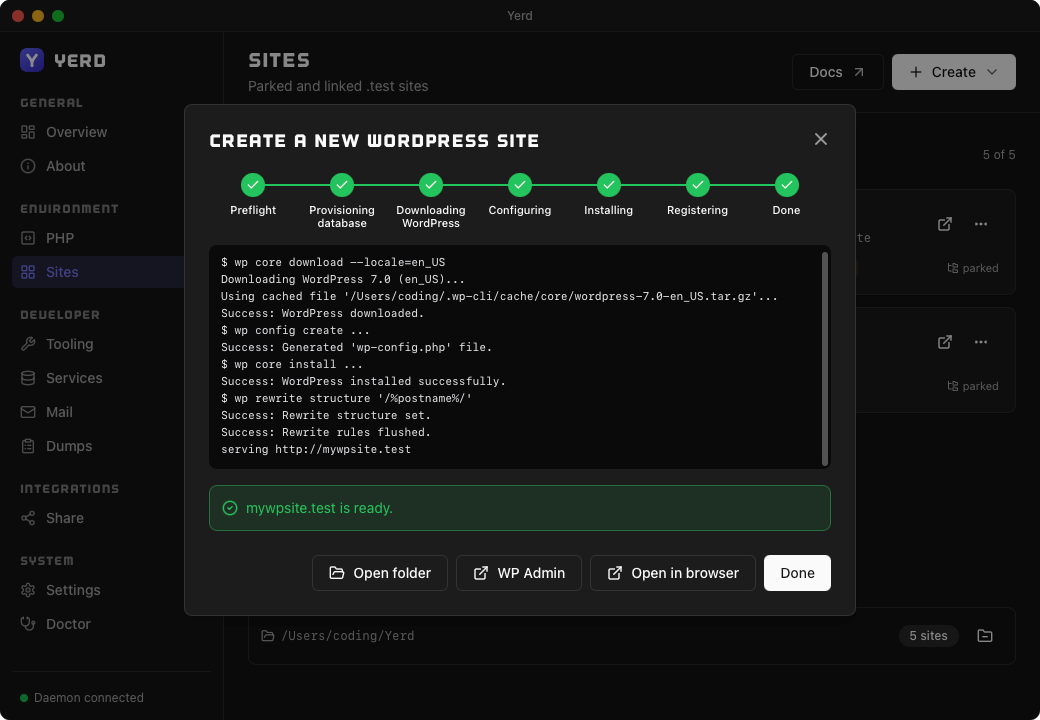
When it finishes, the site is on disk, registered, served at <name>.test, and ready to use - Open folder, Open in browser, or WP Admin to sign in as the administrator you just created (see below).
WordPress one-click admin login
A WordPress site created through the wizard has one-click admin login turned on by default: opening WP Admin signs you in as the site's administrator instead of showing WordPress's own login screen. Existing or parked WordPress sites can opt in the same way.
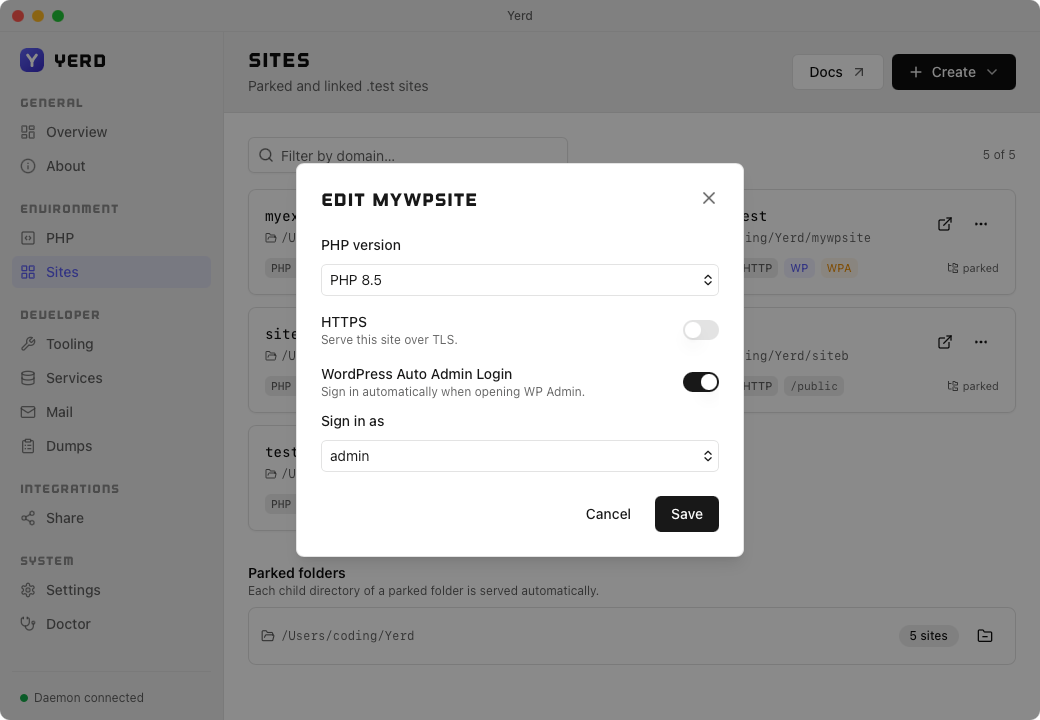
- A WordPress site's card shows a WP Admin action in its
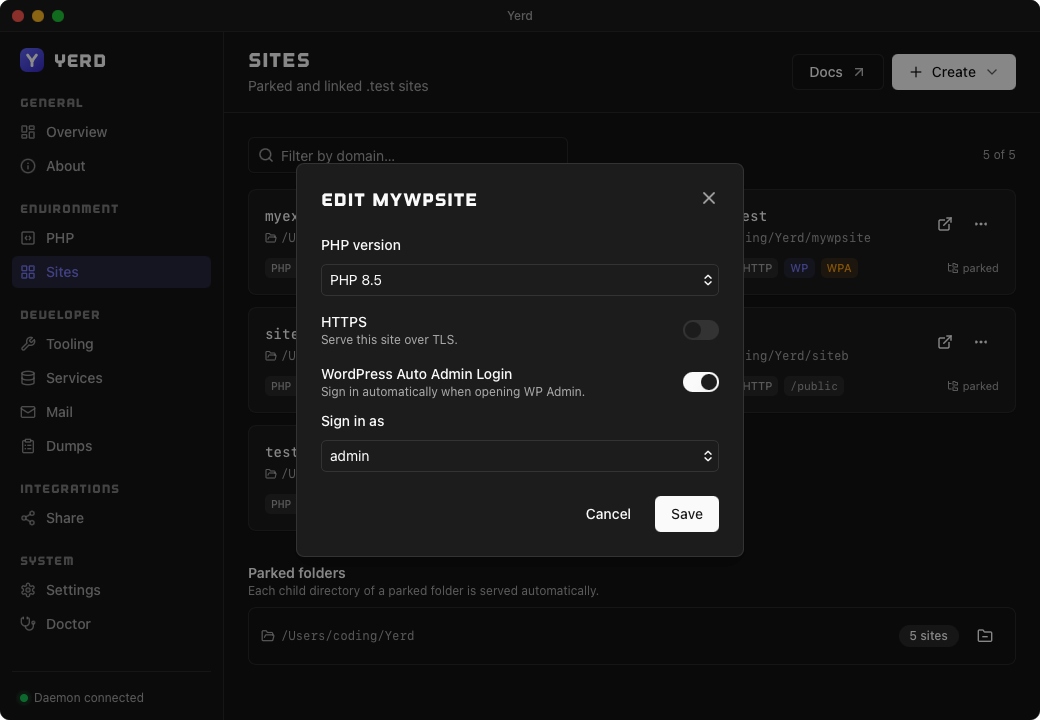
⋯menu, plus a WPA badge when one-click login is on - both open the site's/wp-admin/pre-authenticated. - Turn it on or off, and choose who to sign in as, from the site's Edit… dialog: the WordPress Auto Admin Login toggle and a Sign in as picker (defaults to the earliest-created administrator).
How it works
Opening WP Admin mints a short-lived, single-use login token and appends it to the /wp-admin/ URL. The proxy recognises and consumes the token on the first request, signing you in before redirecting - it's never valid a second time, and it does nothing outside that one request. If the resolver is off (Localhost Access) or minting fails for any reason, WP Admin falls back to WordPress's ordinary login screen instead.
From the command line
Everything the Sites page does maps to a yerd command. These are the same operations against the same daemon, so anything you do here shows up in the app immediately.
Parking a directory
yerd park <dir> registers a directory as a parked root. Each immediate child directory becomes a site named after the folder:
yerd park ~/Sites
#   ~/Sites/blog      ->  http://blog.test
#   ~/Sites/shop      ->  http://shop.test
#   ~/Sites/my-app    ->  http://my-app.test
Add a folder and its site is live; delete it and the site disappears. The child folder is the document root.
TIP
You can park multiple roots. They all contribute children to one flat namespace of .test names.
To stop serving a parked root, un-park it. This removes only the parked root, not any linked sites:
yerd unpark ~/SitesUn-parking matches the stored path exactly. List the parked roots first if you're unsure what was registered:
yerd list parkedINFO
yerd list parked shows every parked root, including empty ones. An empty root produces no sites, so it won't appear in yerd sites, but it's still parked.
Linking a directory
yerd link <name> <dir> registers a single directory as a named site. The name becomes <name>.test; the directory is its document root:
yerd link my-app ~/code/my-app
#   ->  http://my-app.test
Name and directory are both optional shorthand for the current directory:
cd ~/code/my-app

yerd link              # links the cwd, named "my-app" after its folder
yerd link my-app       # same, with an explicit name
yerd link ../other-app # links a relative path, named "other-app" after its folder
A single positional argument is treated as a directory (and the name derived from its folder) when it contains a path separator or is ./..; otherwise it's treated as a bare name and the current directory is linked. Web-root detection (public/ for Laravel, etc. - see Web root) runs automatically the first time a site is linked, so a Laravel app's SERVED directory is usually already correct with no extra yerd root step.
To remove it, unlink by name:
yerd unlink my-appSite name rules
A site name is a single DNS label, validated and lowercased before it reaches the daemon (a bad name fails as a usage error, no connection made):
- ASCII letters, digits, and hyphen only (
[a-z0-9-]). - No dots; a name is one label, not a domain.
- No leading or trailing hyphen.
- 1-63 characters.
- Case-insensitive:
My-Appis stored and served asmy-app.
Valid: my-app, api2, wp-site. Invalid: my.app, my_app, -app, app-.
WARNING
Names are unique. Since they're lowercased first, Foo and foo collide, so the second registration is a duplicate.
Listing your sites
yerd sites lists every site (parked and linked) with its kind, PHP version, secure flag, served subdirectory, and document root:
yerd sitesNAME KIND PHP SECURE SERVED DOCROOT
blog parked 8.5 false public /Users/you/Sites/blog
my-app linked 8.3 true / /Users/you/code/my-app
shop parked 8.5 false public /Users/you/Sites/shopThe SERVED column is the web root relative to the document root; / means the project root itself is served.
Sites print in name order; an empty registry prints no sites. Add --json for machine-readable output:
yerd sites --jsonCommand reference
| Command | What it does |
|---|---|
yerd park <dir> | Park a directory; each child folder is served at <name>.test. |
yerd unpark <dir> | Un-park a directory. Linked sites are untouched. |
yerd link [name] [dir] | Serve a directory as a named site; both args are optional shorthand for the current directory. |
yerd unlink <name> | Remove a site by name. |
yerd sites | List every site (name, kind, PHP, secure, served path, doc-root). |
yerd list parked | List parked roots, including empty ones. |
yerd secure <name> / yerd unsecure <name> | Turn HTTPS on / off for a site. |
yerd root <name> <path> | Set the served directory (web root) for a site. |
yerd root <name> --auto | Reset a site to automatic web-root detection. |
yerd domain <list|add|remove|primary|reset> | Manage a site's domains (primary, aliases, subdomains, wildcards). See Domains. |
For per-site PHP, see PHP Versions. For the full command surface, see the CLI Reference.
How routing works
Yerd normalises the Host: header and resolves it to a site using the rules below.
The .test TLD
By default Yerd serves on .test, a reserved TLD that's safe for local development. A host only resolves if it ends in the configured TLD:
blog.test        ->  site "blog"
blog.example     ->  no match (wrong TLD)
blog.notthetest  ->  no match (suffix collision doesn't count)
The bare TLD (test, or test.) has no site label and never resolves.
INFO
The TLD is configurable (for example dev.local); the default is .test, and yerd status shows the active one. See DNS & .test Domains for how *.test requests reach the daemon.
Host cleanup
Matching is case-insensitive and tolerant of cosmetic bits clients send. Before matching, Yerd:
- Lowercases the host (
FOO.TESTmatchesfoo). - Strips a port (
foo.test:8443becomesfoo.test; a trailing:is fine). - Strips one trailing FQDN dot (
foo.test.becomesfoo.test).
Hosts that can't be a .test name never match: IPv6 literals ([::1]), non-ASCII (föö.test), an empty host, a leading dot, or a malformed port (foo.test:abc).
Domains, subdomains, and wildcards
By default a site answers for exactly one host: its apex <name>.test. A site can hold more than one domain, and can answer subdomains and wildcards, but each is explicit - you register it with yerd domain. After confirming the host ends in .test, Yerd resolves it with one exact lookup, then one single-label wildcard lookup:
foo.test          ->  foo            (exact apex)
corp.test         ->  foo            (only if `corp` was added to foo)
api.foo.test      ->  no match       (404 by default; subdomains are not implicit)
api.foo.test      ->  foo            (once `*.foo.test` is added to foo)
x.api.foo.test    ->  no match       (a wildcard matches one label; needs `*.api.foo.test`)
This changed in v2. Earlier builds made every subdomain fall through to its parent site implicitly. That catch-all is gone: api.foo.test is a 404 until you register it. Re-enable the old behavior for a site with yerd domain add foo '*.foo.test'. The upside is that foo.test and *.foo.test can now be two different sites.
Exact beats wildcard. The exact lookup runs first, so a registered api.foo.test (exact) wins over a *.foo.test wildcard on another site. A wildcard is never a site's primary (canonical) domain - only exact domains can be primary.
Manage a site's domains from the CLI:
yerd domain list blog                  # show blog's domains, primary marked
yerd domain add blog corp.test         # add an alias
yerd domain add blog '*.blog.test'     # add a wildcard (quote it for the shell)
yerd domain primary blog corp.test     # make corp.test the canonical address
yerd domain remove blog blog.test      # drop a domain (a site keeps >=1 exact)
yerd domain reset blog                 # back to the default apex only
For a WordPress site, changing the primary domain also rewrites its siteurl/home. In the desktop app the same lives under a site's ⋯ → Manage domains…. See the domains reference for the full command surface and rules.
Document roots and the served web root
The document root is the project directory a site maps to: the child folder for a parked site, or the path you passed to yerd link. It's shown in yerd sites.
The directory actually served to the browser is the document root's web root - which, for most modern frameworks, is a subdirectory rather than the project root itself. Yerd detects this automatically (see Web root below), so a Laravel app parked at ~/Sites/blog is served from ~/Sites/blog/public without any configuration.
The secure (HTTPS) flag
Sites start insecure (HTTP only). Securing one serves it over HTTPS with a certificate from Yerd's local CA:
yerd secure my-app      # serve over HTTPS
yerd unsecure my-app    # back to HTTP only
TIP
yerd secure promotes a parked site to a tracked (linked) entry so the flag has somewhere to live, then flips it. See HTTPS & Certificates for how the CA and per-site certificates work.
Web root (the served directory)
Most PHP frameworks don't serve from the project root - they put a front controller in a subdirectory and keep application code out of the document root. Yerd detects the right directory automatically and serves it, so you don't hand-configure a web server:
| Framework | Served from |
|---|---|
| Laravel, Symfony (4+), CodeIgniter 4 | public/ |
| CakePHP | webroot/ |
| Drupal (Composer), Yii2 | web/ |
| Magento 2 | pub/ |
| WordPress, plain PHP | the project root |
Detection runs in the daemon when a site is registered and whenever its project changes - it reads composer.json, looks for framework marker files (artisan, wp-config.php, bin/console, …), and probes for a front controller (index.php) in the conventional subdirectories. A site with nothing to detect yet (an empty folder) serves the project root for now, and Yerd watches it so that cloning a project into a parked folder makes it serve from the right directory within a second or so - no restart, no refresh.
The served path shows up in yerd sites (the SERVED column, / meaning the project root itself).
Static files are served directly
A request that resolves to a real file under the served root (a stylesheet, image, favicon.ico, compiled JS, …) is returned straight from disk by the proxy, with a guessed Content-Type - it never touches PHP. A directory request (including the site root) falls back to index.html or index.htm from that directory when there's no index.php there, so a plain static site (no PHP at all) works with no extra configuration. Everything else is handed to the framework's front controller (index.php). PHP source files are never served as static bytes. A symlink is allowed to point anywhere inside the site's project directory - so Laravel's public/storage -> ../storage/app/public link works with no extra setup - but a symlink that escapes the project directory entirely is refused with an explicit 403 Forbidden naming the requested path, rather than being silently handed to PHP.
Overriding the served path
When detection guesses wrong, or you have an unconventional layout, set the served directory explicitly:
yerd root my-app public      # serve my-app.test from <docroot>/public
yerd root my-app web/app     # a nested directory is fine
yerd root my-app --auto      # forget the override; go back to auto-detection
yerd root <site> with no path also resets to auto-detection. The path is relative to the site's directory (an absolute path inside it works too); Yerd validates that it resolves to a directory inside the project and rejects anything that escapes it. A manual override always wins and is never overwritten by re-detection.
In the desktop app
The Sites view shows the served web root as a badge per site, and its Edit… dialog sets it directly - leave the field blank to go back to auto-detection.
Related
- PHP Versions - set the global default and pin a site to a version.
- HTTPS & Certificates - the local CA and the
secureflag. - DNS & .test Domains - how
*.testrequests reach the daemon. - Configuration Reference - where sites and the TLD are stored.