
Laravel Dumps
Yerd can capture live Laravel telemetry - dump() / dd() output, database queries, queue jobs, rendered views, incoming requests, log writes, cache events, and outgoing HTTP calls - and stream it into a dedicated viewer in the desktop app, Herd-style. You see what your app is doing without sprinkling dd() everywhere or tailing log files.
Capture works through a native PHP extension (yerd-dump) that observes your app at the engine level, so your application needs no changes - no composer require, no service provider, no auto_prepend_file.
Off by default
Dump capture is disabled by default. Nothing is downloaded, loaded, or listening until you turn it on. See Enabling it below.
Requires a Laravel app (mostly)
Most categories - jobs, views, requests, logs, cache - are Laravel-specific. Dumps and database queries are framework-agnostic (queries are observed at the PDO level), so a plain PHP app still gets those. The richest experience is a Laravel app served through Yerd as a .test site.
In the desktop app
The fastest way to use Dumps is from the desktop app. Open the Dumps page under the Developer group in the side navigation.
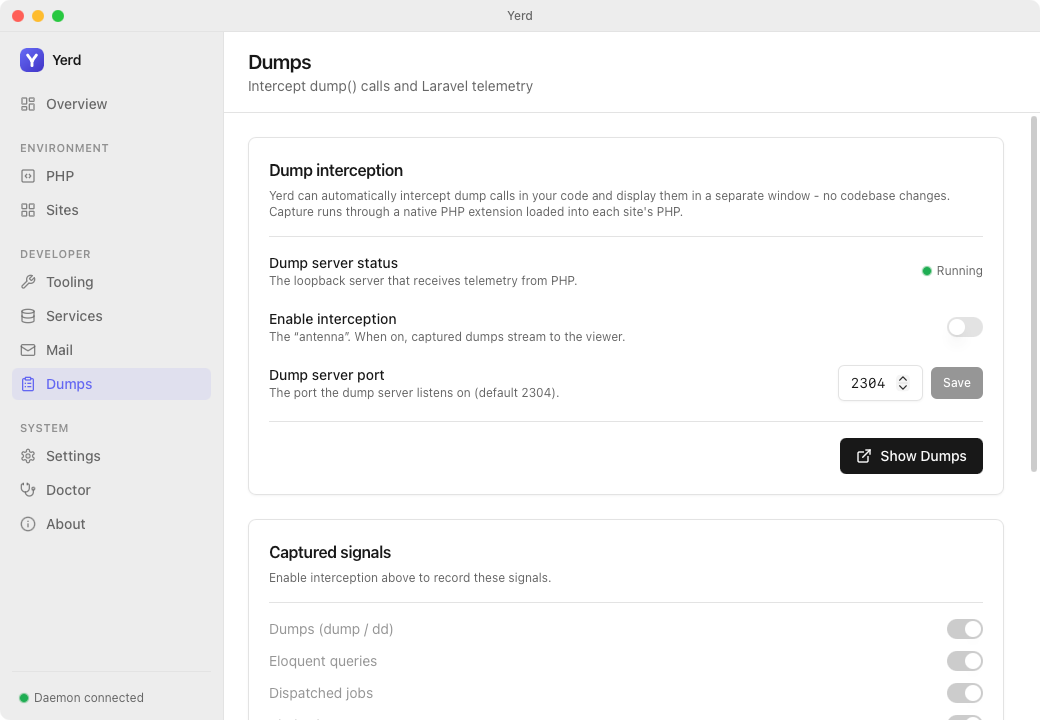
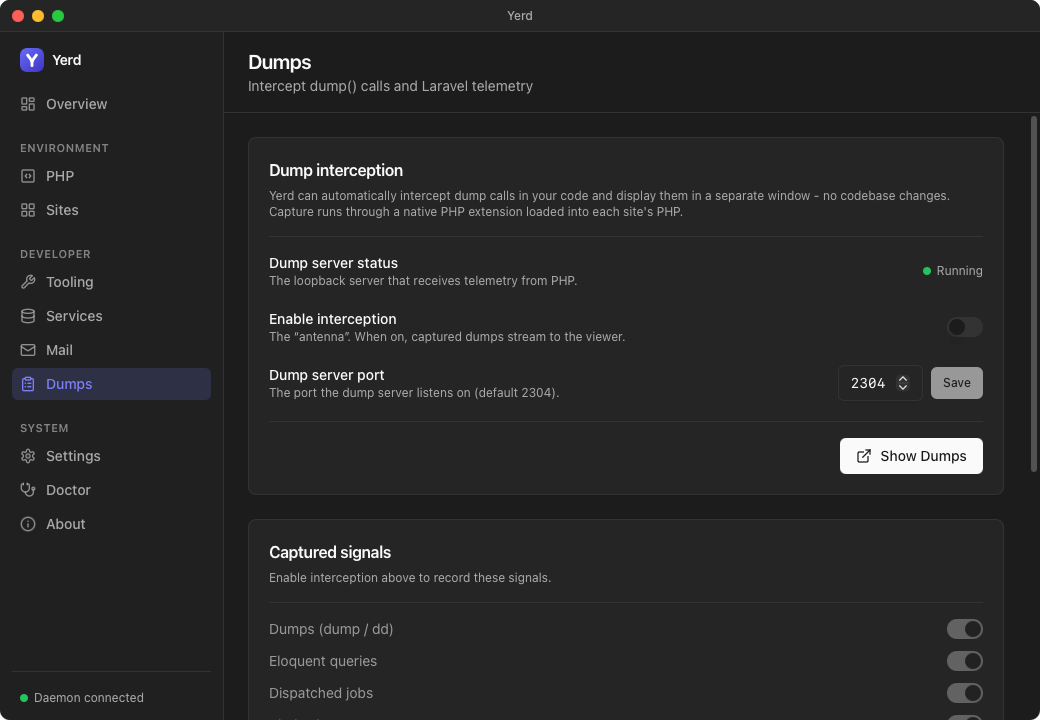
- Dump-server status shows whether the loopback capture server is running.
- The Enable interception toggle turns capture on. The first enable downloads the extension and restarts your pools; after that it is instant.
- The per-signal switches - dumps/dd, queries, jobs, views, requests, logs, cache, and outgoing HTTP - are disabled until interception is on. Once it is, flip each signal independently to keep the viewer focused.
- The port (default
2304) is shown and editable, and the page lists the per-PHP-version extension presence so you can see which installed PHP versions have a matchingyerd-dumpbuild. - Show Dumps opens the standalone viewer window where captured events stream in, grouped by request.
What you get
Captured events are grouped into categories, one per tab in the viewer:
| Category | What it captures |
|---|---|
| Dumps | dump(), dd(), ddd() calls (rendered HTML + plain-text fallback) |
| Queries | Eloquent / PDO database queries, with SQL, bindings, and timing |
| Jobs | Dispatched queue jobs and their outcome (processing / processed / failed) |
| Views | Rendered Blade views and their bound data keys |
| Requests | A summary of each incoming HTTP request (method, URI, status, duration) |
| Logs | Log writes, with level and context |
| Cache | Cache hits, misses, writes, and forgets |
| HTTP | Outgoing HTTP client calls (curl / Guzzle / PSR-18) |
Events are grouped by request, so you can see everything a single page load or job did together.
Enabling it
Turn capture on from the Dumps view in the desktop app (in the side navigation). Enabling it does two things:
- Downloads the native extension. Yerd fetches the matching
yerd-dumpextension for each installed PHP version from theforjedio/yerd-php-extreleases, verifies it by SHA-256, and stores it alongside your PHP installs at{data}/php-ext/php-<version>/yerd-dump.so. - Restarts your PHP-FPM pools so they load the extension.
After that, dumps flow into the viewer as you exercise your app.
Needs a matching released build
The extension is ABI-specific: there is one build per PHP minor, per OS, per architecture. If a build for your exact PHP version and platform hasn't been published yet, Yerd quietly skips that version - capture simply won't work for it until a matching .so ships. The Dumps view shows, per installed PHP version, whether a matching extension is present.
The download is best-effort: a network or verification failure is logged and leaves your sites running normally, just without capture.
No dumps on legacy PHP
Legacy PHP versions (7.4 / 8.0 / 8.1) never capture dumps - the yerd-dump extension isn't built for out-of-support PHP. The Dumps view flags legacy rows as "Unsupported (no dumps)" and shows a warning banner when a legacy version is installed.
Toggling is cheap after the first enable
The extension reads a small state file at the start of every request and self-disables when capture is off, so turning capture (or an individual category) on and off again does not restart PHP. Only the first enable - which has to download the extension and load it - restarts your pools.
Per-category toggles
Each category can be turned on or off independently from the Dumps view. This is useful when one category is noisy (lots of queries on a busy page) or when you only care about one signal.
The outgoing HTTP category is off by default even when capture is enabled
- it carries a little extra overhead and is less commonly needed. The other seven categories are on by default. Toggling a category takes effect on the next request, with no restart.
Persisting across requests
By default the viewer shows a rolling window of the most recent requests and clears older ones as new requests arrive, so you're looking at what just happened. Turn on persist to keep events accumulating across requests instead, which is handy when you're watching a sequence of requests (a queue worker chewing through jobs, say) and don't want earlier ones to disappear.
The viewer holds a bounded buffer of the most recent events, so very old events are eventually evicted either way.
The Dumps window
The desktop app gives Dumps its own space:
- The Dumps view lives in the main window (in the side navigation), where you enable capture, manage the per-category toggles and persist option, and browse captured events by tab.
- A standalone Dumps window can be popped out so you can keep dumps visible next to your editor and browser while the rest of the app stays out of the way.
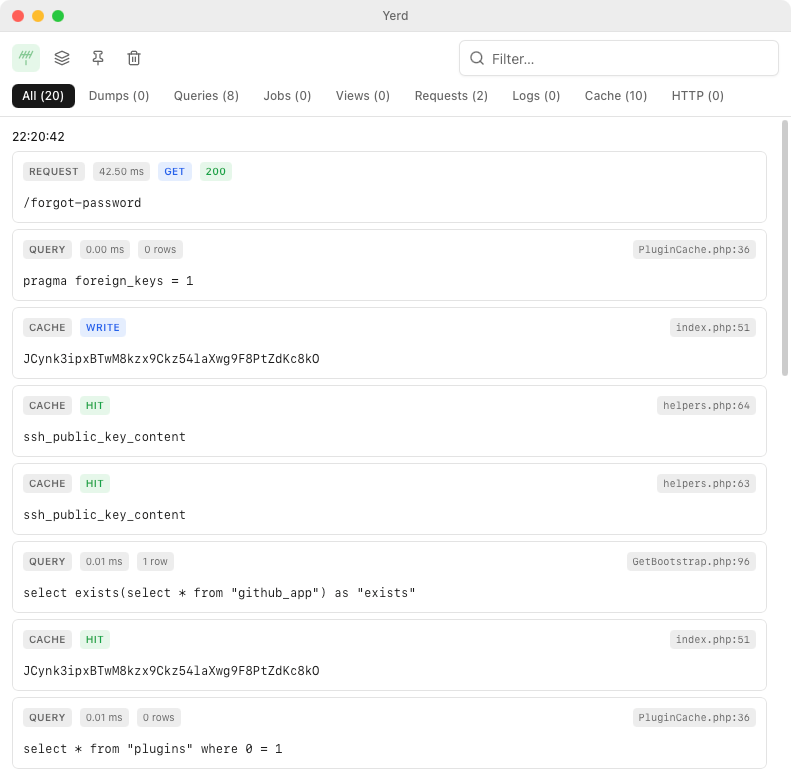
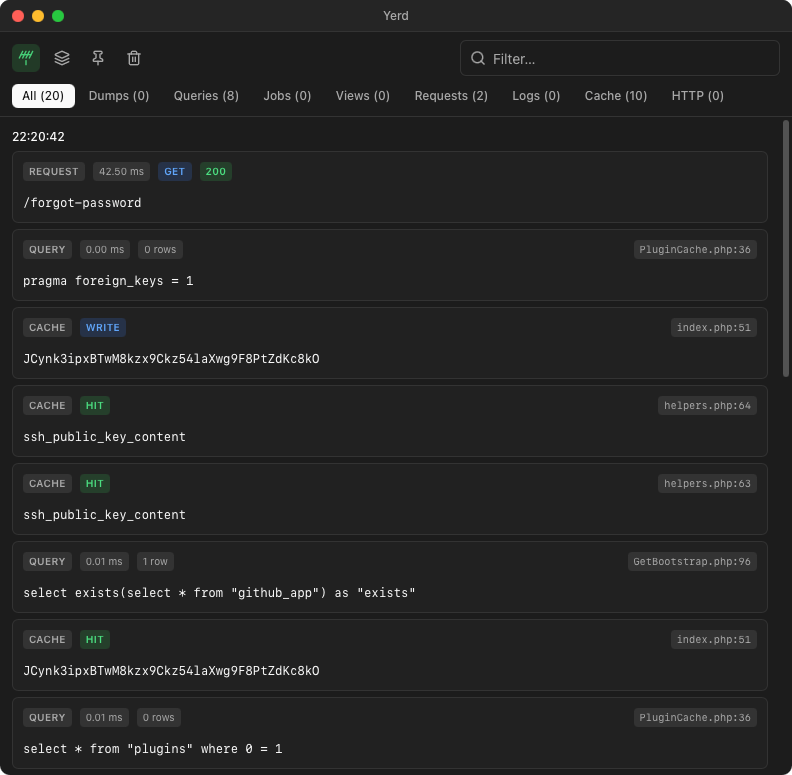
You can filter by category (the tabs), clear the buffer, and remove individual events.
How it works
When capture is enabled, Yerd's daemon runs a small TCP server bound to loopback (127.0.0.1) on a configurable port (default 2304). The yerd-dump extension - loaded into each PHP-FPM pool - opens a connection per request and streams one compact JSON frame per event. The daemon buffers those frames in memory and serves them to the desktop app.
Everything stays on your machine: the server binds loopback only, and if the port is already in use the daemon logs it and retries rather than failing - capture is never allowed to take your sites down.
No CLI commands
Dumps is driven entirely from the desktop app. There are no yerd CLI subcommands for it. Its settings are stored in your config file under a [dumps] table (enabled, port, persist, and per-feature toggles), which the app keeps in sync.
See also
- PHP Versions - the FPM pools the extension loads into.
- The Desktop App - where the Dumps view and window live.
- Configuration Reference - the
[dumps]table on disk.