
Mail Capture
Yerd ships a built-in mail-capture SMTP server - a local sink that catches every email your apps "send" and keeps it for you to inspect, Herd-style. Point your app's mailer at it and password resets, order confirmations, and queued notifications land in Yerd instead of a real inbox. Nothing is ever relayed: captured mail never leaves your machine.
It's the local-dev counterpart to Mailpit / MailHog / Mailtrap, except there's nothing to install or run - it's part of the yerdd daemon that already runs your sites, PHP, HTTPS, and DNS.
In the desktop app
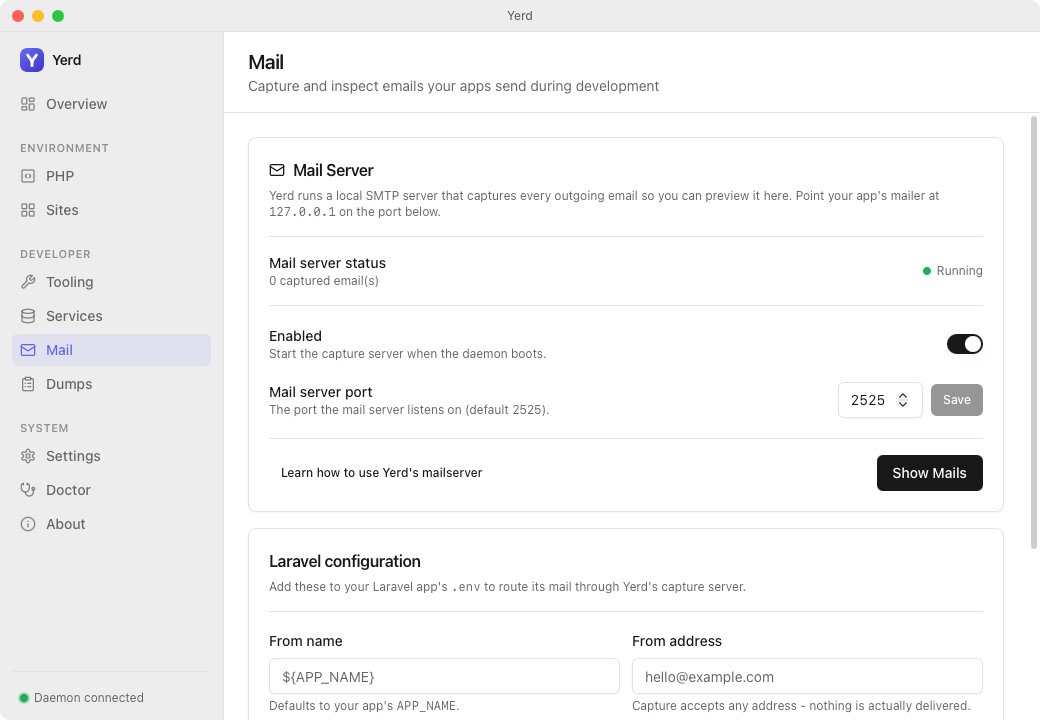
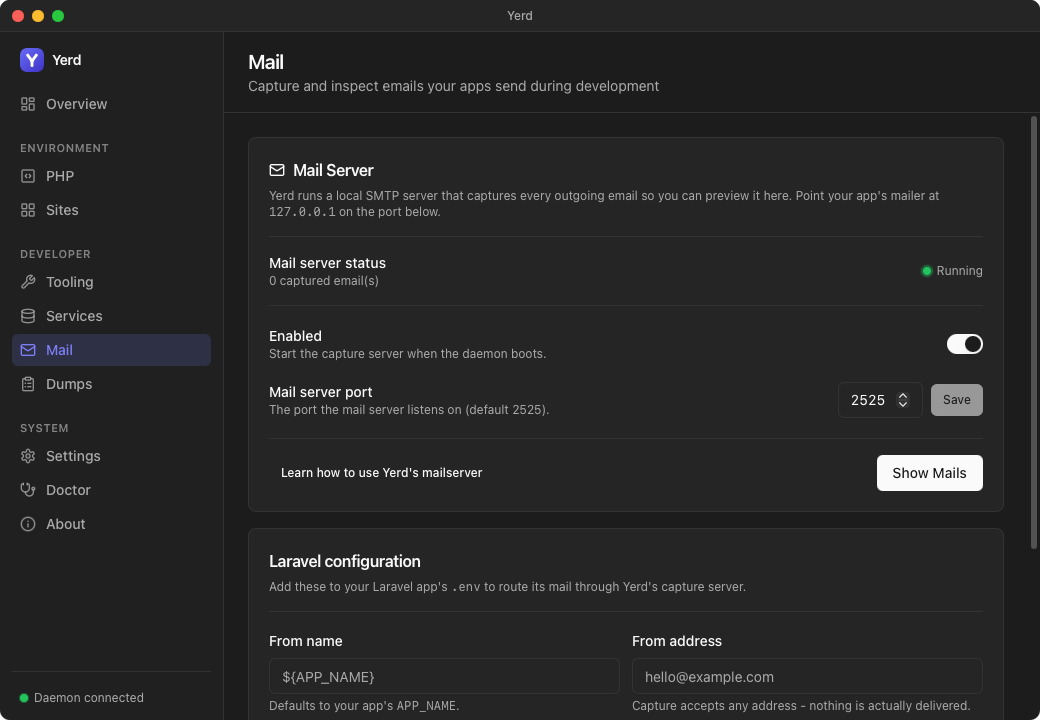
The desktop app surfaces mail capture on its own Mail page, under the Developer group in the sidebar. It's the richest way to drive capture and read what's been caught.
- The page shows the current capture status and the port the SMTP listener is bound to.
- An enable toggle turns capture on or off, and a port field changes the listening port (both take effect on the next daemon restart).
- Show Mails pops out the separate Mails viewer window, which renders HTML bodies (including inline images) in a sandboxed frame so you can keep captured mail next to your editor and browser.
- A Laravel configuration card emits the
.envmail keys (MAIL_HOST,MAIL_PORT, …) ready to paste into your app, with an editable From name and address.
Captured mail is tracked as read or unread. New messages count toward an unread badge that shows in three places: a pill on the sidebar Mail item (click it to open the viewer), an orange dot on the tray icon, and a Mail (N) label in the tray menu. Clicking a message in the Mails viewer marks it read, and unread messages are highlighted in the list - the message the viewer auto-selects on open stays unread until you click it - so the badge always reflects what you haven't looked at yet.
From the command line
# Mail capture is already on (loopback SMTP on 127.0.0.1:2525).
# Point your app's mailer at it, send a mail, then:

yerd mail list          # newest-first table of captured emails
yerd mail show 000003   # one email's headers + body
yerd mail clear         # delete everything captured so far
On by default
Mail capture is enabled by default. The daemon binds a tiny SMTP listener on 127.0.0.1:2525 (the DEFAULT_MAIL_PORT) at startup - no setup, no elevation, no .test resolution required. It speaks just enough SMTP for a dev mailer (EHLO, MAIL FROM, RCPT TO, DATA, QUIT); there is no AUTH and no TLS, and every recipient is accepted.
Local only, never relayed
The server is a sink, not a relay. A captured message is written to disk and surfaced for inspection - it is never forwarded to a real mail server, so you can exercise your app's email flows with zero risk of a stray message reaching a real person.
Bind failure is non-fatal
If port 2525 is already in use (another capture tool, say), the daemon logs a warning and runs with capture not listening - your sites are never taken down by a busy mail port. yerd status reports whether the listener actually bound.
Pointing an app at Yerd
Configure your app's mailer to talk plain SMTP to 127.0.0.1:2525 with no authentication and no encryption. For a Laravel app, that's a four-line change to .env:
MAIL_MAILER=smtp
MAIL_HOST=127.0.0.1
MAIL_PORT=2525
MAIL_ENCRYPTION=null
# No MAIL_USERNAME / MAIL_PASSWORD - the capture server has no auth.
Send a mail (a password reset, php artisan tinker + Mail::raw(...), a queued job) and it's captured immediately. Any framework or language works the same way - anything that can send SMTP to a loopback port with no auth and no TLS.
Don't point production at it
This is a development convenience with no authentication and no transport security. It binds loopback only and is not meant to be reachable from a network. Keep these settings to your local .env.
Reading captured mail from the CLI
Three subcommands cover the common loop. See the Mail CLI reference for the precise output shapes.
yerd mail list
# ID      FROM                        SUBJECT
# 000003  Example <hi@example.com>    Password Reset
# 000002  shop@acme.test              Your order shipped
# 000001  no-reply@acme.test          Welcome
yerd mail list prints a newest-first table of ID, FROM, and SUBJECT. Pass an id to yerd mail show to read one message:
yerd mail show 000003
# From:    Example <hi@example.com>
# To:      you@app.test
# Subject: Password Reset
#
# Your OTP is 416063.
show prints the headers and the text body. A message that carries only an HTML body (no plain-text part) shows a short note pointing you at the GUI viewer, which can render it. yerd mail clear deletes every captured email.
Machine-readable output
Like every yerd command, the mail commands accept the global --json flag for scripting: yerd mail list --json emits the captured-email metadata as JSON, and yerd mail show <id> --json emits the full decoded message (headers and both bodies).
The viewer
The standalone Mails viewer window - opened from the desktop app with Show Mails - decodes each message for you: headers, the plain-text body, and a rendered HTML body. From the GUI you can read, delete individual messages, clear everything, open file attachments, and follow http(s) / mailto / tel links in both HTML and plain-text bodies (they open in your OS browser / handler).
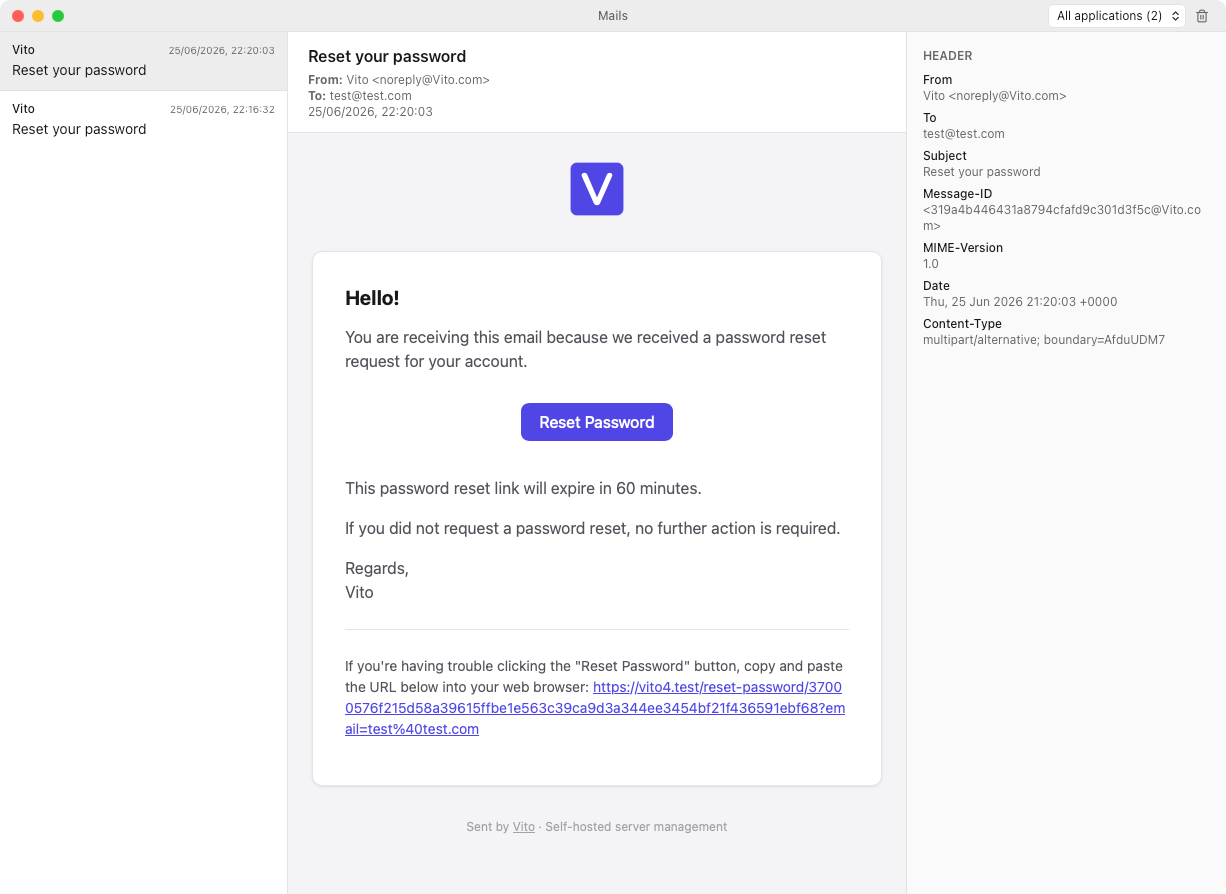
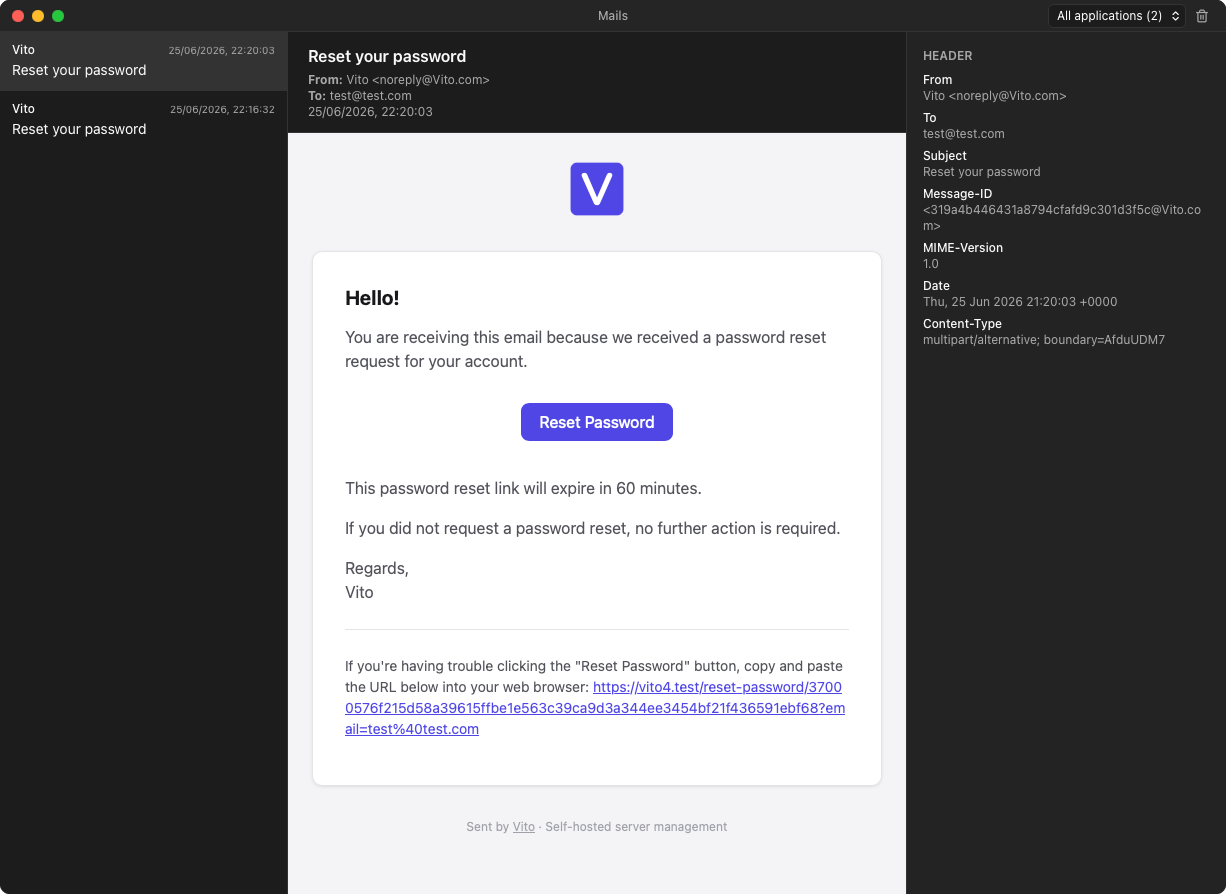
The HTML body is sanitized with DOMPurify and rendered in a Shadow DOM in the Mails window (so link clicks work reliably on macOS WKWebView). Openable http(s) / mailto / tel links are stamped and opened via the OS browser / handler. Inline images referenced by cid: are embedded as data: URLs. Remote images and stylesheets (e.g. a logo served over https://) are blocked by default so merely opening a message cannot phone home. The right sidebar lists those URLs under Remote content; use Load remote content when you want them. Non-inline attachments appear in a bar under the body and open with the OS default app.
Configuration
Mail-capture settings live in your config file under a [mail] table:
[mail]
enabled = true
port = 2525
Both keys default (enabled, port 2525), so a config written before mail capture existed still works - and a default install emits no [mail] table at all. You normally don't hand-edit this; drive it through the desktop app, which keeps the config in sync.
Changes apply on the next daemon restart
Changing the port or toggling capture on/off is saved immediately but takes effect on the next daemon start/restart - there's no hot rebind. Run yerd restart daemon to apply a change right away.
Captured mail is stored under the daemon's data directory at <data>/mail, one .eml file per message plus an index.json metadata cache. The store keeps a bounded number of recent messages (the oldest are evicted past the cap) and is always available - already-captured mail stays listable and clearable even when capture is turned off.
See also
- Mail CLI reference -
list,show,clearin detail - The Desktop App - where the Mail view and Mails viewer live
- Configuration Reference - the
[mail]table - The Daemon - how
yerddbinds the capture server - Developer deep-dive: yerd-mail