
What is Yerd?
Yerd is a fast, rootless, open-source local PHP development environment. It serves your projects on .test domains over HTTP and HTTPS, runs a different PHP version per site, and manages everything from one small background daemon. No Docker, no sudo for daily work, no subscription.
If you've used Laravel Herd, you know the appeal: open https://my-app.test and it just works - the right PHP version, a trusted certificate, no fuss. Yerd does the same, on macOS and Linux, and it's fully open-source.
Why Yerd?
Setting up local PHP the traditional way means stitching together a web server, a DNS tool, a certificate workflow, and some way to juggle PHP versions. Docker hides the wiring but trades it for image pulls and a VM you didn't want. Yerd gives you the same result as plain, native processes:
- Zero-config sites. Drop a project into a parked folder and it's instantly live at
<name>.test- no config files, no virtual hosts. Sites → - HTTPS that just works. Yerd issues a trusted certificate for every site on demand: a green padlock, no browser warnings, no
mkcertdance. HTTPS → - Any PHP version, per site. Install as many versions as you need and point each project at the one it wants. PHP versions →
- Rootless by design. After a single one-time setup, nothing runs as administrator - the daemon, CLI, and app all run as you. Elevation →
- Tiny and native. One small daemon (~8 MB), no containers, no VM, no Electron. PHP builds download only when you ask.
- Batteries included. Databases and caches (MySQL, MariaDB, PostgreSQL, Redis), mail capture, live Laravel dump streaming, and one-click public sharing over Cloudflare Tunnel are built in - not bolt-ons.
- Self-diagnosing. Built-in health checks show what's wrong and repair the safe problems for you. Diagnostics →
One tool, two ways to drive it
Under the hood Yerd is a single background daemon that owns everything - your sites, PHP, HTTPS, and DNS. You drive it however you like:
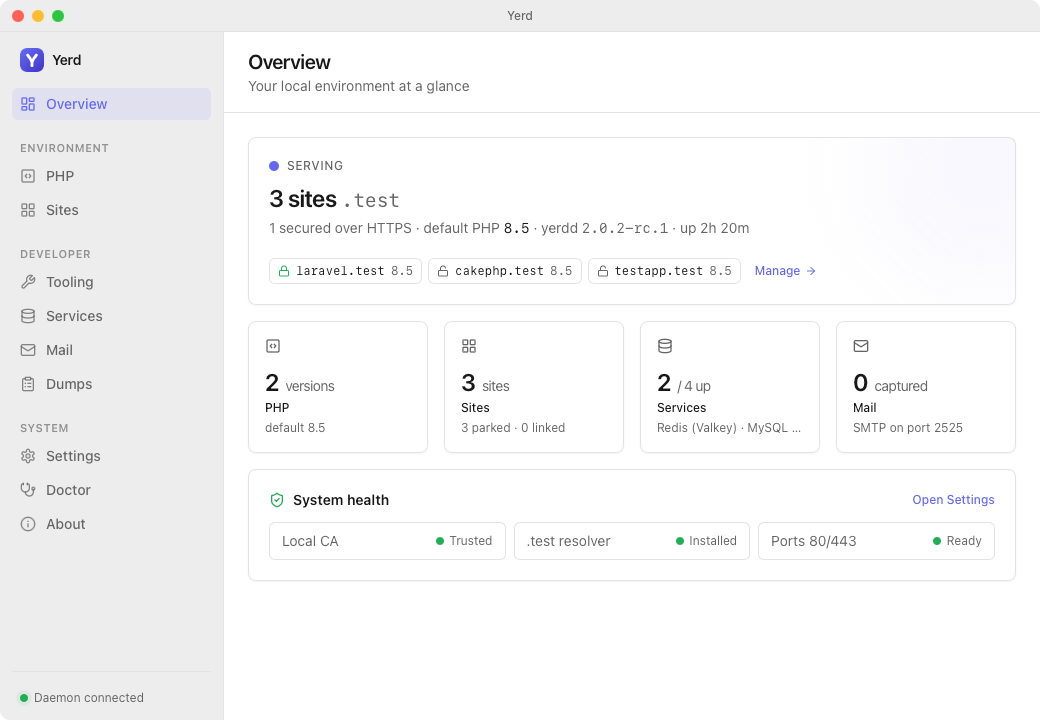
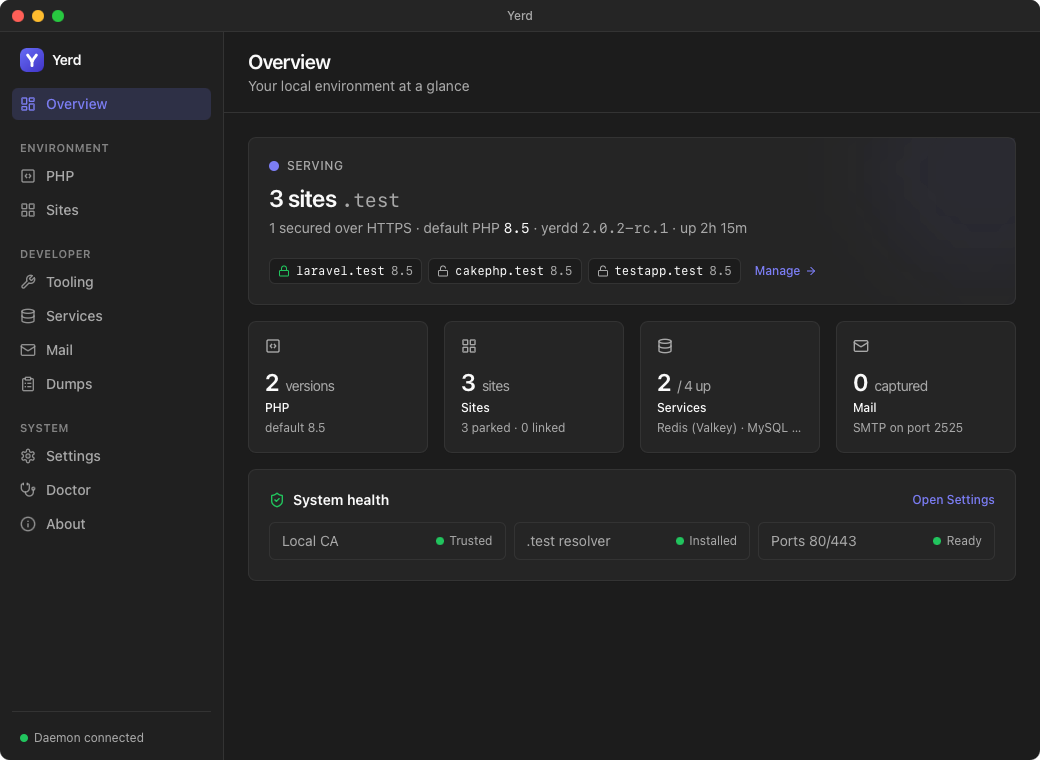
- the desktop app - a native tray app (shown above), or
- the
yerdcommand line - first-class and fully scriptable.
Both are just clients of the same daemon, so a change in one shows up in the other immediately - they can never disagree about what's running.
How it works
When you open https://my-app.test:
- Yerd's built-in DNS answers
*.testwith your own machine (127.0.0.1). - Its reverse proxy matches the address to a site and hands the request to the right PHP version.
- For secured sites it serves HTTPS using a certificate from Yerd's own local certificate authority - trusted once, valid everywhere.
That's the whole path, and it all lives inside the one daemon. Curious about the internals? See the Architecture overview.
A quick taste
yerd install php 8.5          # grab a PHP version
yerd park ~/Sites             # serve every project in a folder
yerd secure my-app            # turn on trusted HTTPS
# open https://my-app.test - done
The Getting Started guide walks through it from a clean machine.
Who Yerd is for
- PHP and Laravel developers who want Herd-style
.testsites and trusted HTTPS on macOS or Linux. - Anyone juggling multiple PHP versions who needs a specific one per project.
- People who'd rather not run Docker for local dev and prefer light, native processes.
- Open-source-minded developers who want a tool they can read, audit, and contribute to.
Next steps
- Getting Started - install Yerd and serve your first site.
- Features - a tour of everything Yerd can do, screen by screen.